-

-
Location:
1922 Mentor Ave, Painesville Twp.
Location:
1922 Mentor Ave, Painesville Twp.
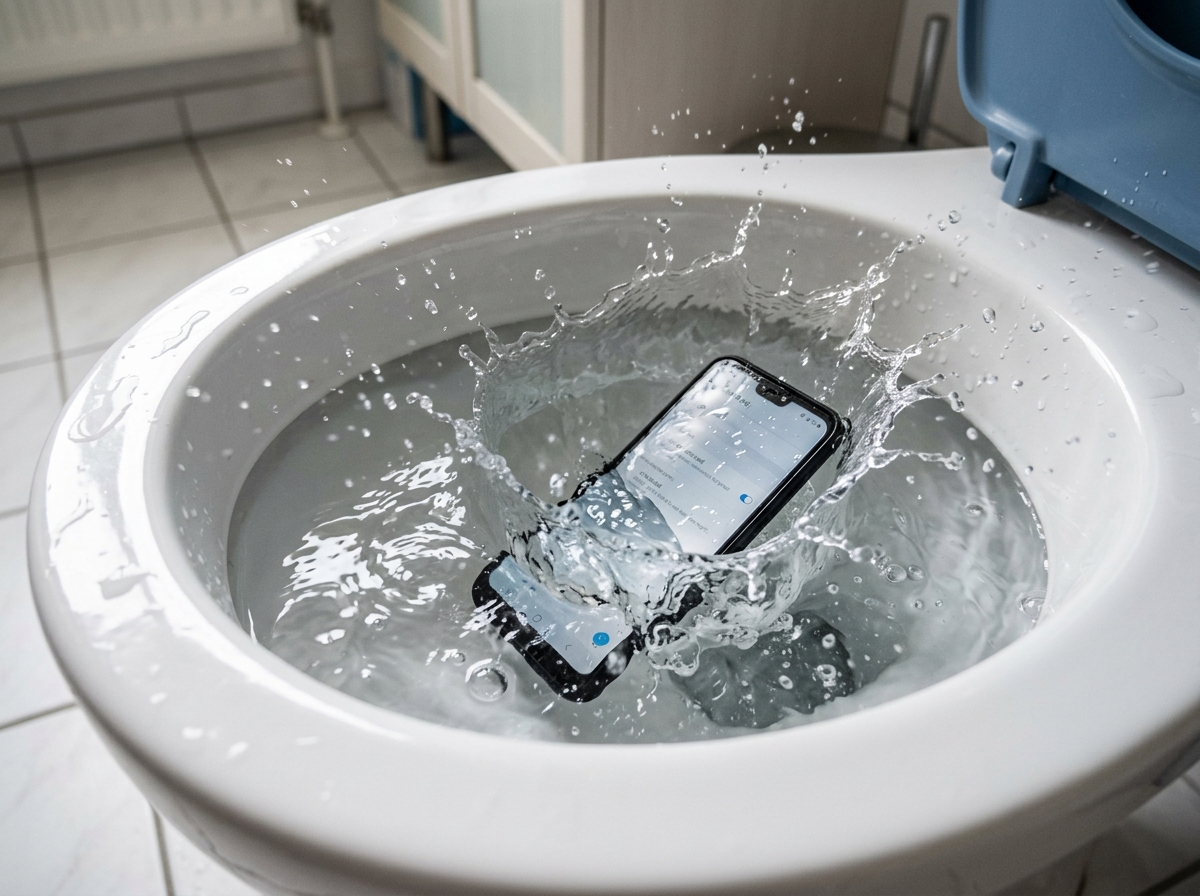
Phone water damage is one of the most stressful things that can happen to your device — and it happens to more people than you’d think.
If your phone just got wet, here’s what to do right now:
Water damage accounts for 21% of all smartphone damage incidents. And every summer, repair claims spike — more liquid damage repairs are filed between June and August than any other time of year. Whether your phone slipped into the toilet, got caught in the rain, or took a dive in the pool, the next few minutes matter more than most people realize.
Most people’s first instinct — checking if the phone still works, plugging it in, or burying it in a bowl of rice — actually makes things worse. The damage isn’t always instant. Corrosion starts within minutes and can silently spread for days, even if your phone seems fine at first.
I’m Jay Baruffa, President of Tech Dynamix and the owner of Little Mountain Phone & Computer Repair in Painesville, Ohio — and phone water damage is one of the most common (and most mishandled) repairs I see come through our shop. In this guide, I’ll walk you through exactly what to do, what to avoid, and when it’s time to call in a professional.
Phone water damage terms explained:
The first minute after your phone makes contact with liquid is the “Golden Minute.” What you do during these 60 seconds determines whether your device becomes a paperweight or a success story. When we see customers at our Mentor or Painesville locations, the ones who followed these steps almost always have a higher recovery rate.
If the phone is still on, turn it off. If it’s already off, do not turn it on to “see if it still works.” This is the number one mistake people make. Water itself doesn’t necessarily kill the phone; it’s the electricity moving through the water that causes a short circuit. By cutting the power, you stop the flow of electricity and prevent internal components from frying.
Remove the case, the SIM card tray, and any memory cards. If you have an older device with a removable battery (though these are rare today), pull that battery out immediately. Opening these ports allows trapped moisture a way to escape and lets you dry the exterior more effectively. For more on how internal components are laid out, check out our Detailed Guide to Phone Screen Repair Options.
Hold the phone with the charging port and speakers facing downward. Gently shake the device to encourage water to drip out. Do not swing it violently, as this can force water deeper into the crevices of the logic board. According to What to Do If You Drop Your Phone in Water, positioning is key to preventing liquid from settling on the most sensitive chips.

It’s the most persistent myth in the tech world: “Just put it in a bowl of rice overnight.” At Little Mountain Phone & Computer Repair, we are begging you: Stop using rice.
While rice is a desiccant (it absorbs moisture), it is an incredibly poor one for electronics. Research from Allstate Protection Plans shows that rice only removes about 13% of the liquid after 48 hours. In comparison, simply leaving the phone on a counter to air dry removes about 15%. You are actually better off doing nothing than using rice.
Rice introduces three major problems to a water-damaged phone:
If you want to use a drying agent, use silica gel packets (those little “Do Not Eat” packets you find in shoe boxes). They are roughly 20 times more effective than rice at pulling moisture from the air. However, even silica gel can’t reach the water trapped deep inside the phone’s internal shields.
| Drying Method | Effectiveness (48 Hours) | Risks |
|---|---|---|
| Rice | 13% | Dust, starch, port blockage |
| Air Drying | 15% | Slow, allows corrosion to spread |
| Silica Gel | ~40% | Limited reach for internal liquid |
| Professional Vacuum/TekDry | 100% (in 20-30 mins) | Requires visiting a shop |
To understand why phone water damage is so tricky, you have to look at what happens inside the chassis. Modern smartphones are packed with microscopic components that don’t play well with minerals.
Not all liquids are created equal.
As noted in What happens if water gets in my phone?, the liquid creates “bridges” between electrical paths that shouldn’t be connected, causing a short. For a deeper dive into how these devices function, see The Secret Life of Your Smartphone and How to Fix It.
How do we (and manufacturers) know if a phone has been wet? Most phones have Liquid Damage Indicators. These are small white stickers located near the SIM tray or battery. When they come into contact with liquid, they turn bright pink or red. Once that sticker changes color, your standard manufacturer warranty is usually void.
Many of our customers in Lake County ask, “But isn’t my iPhone/Samsung waterproof?”
The term IP68 is a marketing rating, not a lifetime guarantee. Here is the reality:
The Points Guy reported that even high-end credit card insurance providers are seeing a massive rise in claims for “waterproof” phones that failed in simple scenarios.
Corrosion is a chemical reaction that doesn’t stop just because the phone “looks” dry.
According to I dropped my device in water, impurities in the liquid are the primary driver of long-term failure. This is why a phone might work for three days after getting wet and then suddenly die on the fourth.
When you bring a water-damaged device to us at Little Mountain Phone & Computer Repair, we don’t just “dry it out.” We use professional-grade techniques to stop the corrosion in its tracks.
We utilize ultrasonic cleaning, which uses high-frequency sound waves and a specialized solution to strip away corrosion and minerals from under the tiny chips on the logic board. If a component has already fried, we perform microsoldering to replace individual chips rather than the whole board. This is often the only way to perform successful data recovery.
According to Allstate, the average cost for a smartphone repair or replacement is now $302.
If your phone is functioning but has screen spots, you might be tempted to ignore it. However, 49% of respondents in a recent study said they wouldn’t repair a damaged phone that still “works,” only to have it fail completely a month later when the corrosion finally hits a critical line. Check out A Comprehensive Guide to Phone Repair vs Replace to help make that decision.
No! This is one of the most dangerous things you can do.
As the Dropped Phone In Puddle Guide To Water Damage Repair points out, heat is often more destructive than the water itself.
If you are attempting a DIY dry, you should wait at least 24 to 72 hours. However, “waiting” is a gamble. Every hour the water sits inside, the corrosion spreads. We recommend getting a professional diagnostic as soon as possible. If you’re in the Mentor or Chardon area, Stop Googling and Start Fixing with These Local Repair Tips.
Yes, in many cases. Even if a phone won’t turn on, the data is stored on a flash memory chip. As long as that specific chip isn’t cracked or shorted, we can often bypass the damaged parts of the logic board to “bridge” the power and extract your photos and contacts. This is why we tell people: For the love of everything, back up your data to the cloud. If the board is too far gone, data recovery can cost anywhere from $300 to over $1,000. For more info, see Tech Troubles Get a Speedy Solution for Your Smart Devices.
Phone water damage doesn’t have to be the end of the world, but it does require a fast, smart response. Forget the rice, put down the hairdryer, and remember that time is your greatest enemy.
To prevent this from happening again, consider:
At Little Mountain Phone & Computer Repair, we’ve spent over 20 years helping our neighbors in Painesville, Mentor, Willoughby, and throughout Lake County save their tech. We pride ourselves on an average repair time of just 30 minutes for many common issues, and we have the specialized equipment needed to tackle even the nastiest liquid damage.
If your phone took a swim, don’t wait for the corrosion to take over. Get Your Phone Fixed Right by experts who know exactly how to handle it.
Ready to save your device? More info about our repair services can be found here. Stop by one of our locations today and let us give your phone a second chance at life!

Need Help?
© Big Hill Technologies, LLC. All Rights Reserved

