-

-
Location:
1922 Mentor Ave, Painesville Twp.
Location:
1922 Mentor Ave, Painesville Twp.
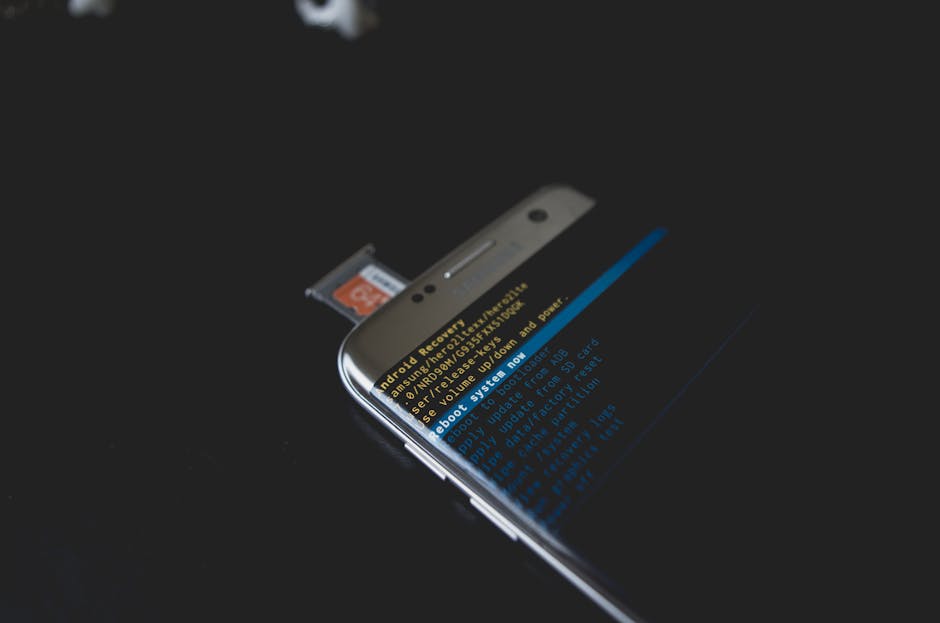
Damaged SD card recovery is possible in most cases — but only if you act fast and avoid the wrong moves.
Here’s a quick-reference guide to get you started:
That sinking feeling is real. One moment your camera, phone, or drone is working fine. The next, your SD card is unreadable — and months of photos, videos, or work files seem gone. It can happen without warning, even if you’ve never dropped the card or mishandled it in any way.
The good news: data on an SD card isn’t truly erased until it gets overwritten. That means a fast, calm response gives you a strong chance of getting everything back.
I’m Jay Baruffa, President of Little Mountain Phone & Computer Repair in Painesville, Ohio, with years of hands-on experience in damaged sd card recovery for both everyday users and local businesses. In this guide, I’ll walk you through every step — from triage to professional recovery — so you can make the right call at every stage.
Must-know damaged sd card recovery terms:
The moment you see an error message like “SD card is damaged. Try reformatting it,” your heart probably skips a beat. Whether you were shooting on a Nikon D750, a Sony A7iii, or just pulling vacation photos from your phone, the triage phase is critical.
The first rule of damaged sd card recovery is simple: Stop.
If you continue to take photos or videos, the device might attempt to write new data over the “empty” space where your corrupted files still live. Once that data is overwritten, it is gone forever. If your card has a physical write-protection switch on the side, slide it to the “Lock” position immediately. This prevents any device from accidentally adding or changing files on the card.
We often see customers in our Mentor and Painesville shops who tried to “fix” the card by clicking “Format” when their camera prompted them. Do not format the card. While formatting can sometimes fix the file system, it makes the recovery process significantly more difficult and, in some cases, impossible for DIY software.
Instead, find a high-quality external card reader. Built-in laptop slots are okay, but a dedicated USB 3.0 reader often provides a more stable connection for a failing card. If you’re worried about the safety of your data, reading up on how to protect your valuable files can give you a better perspective on why these first few minutes are so vital.

Before we can fix it, we have to know what broke. In damaged sd card recovery, we split issues into two camps: logical and physical.
This is the most common scenario. The card looks perfect on the outside, but the “table of contents” (the file system) is scrambled.
This is where things get tricky. If you can see a crack or if the card was submerged in the Grand River, you’re dealing with physical damage.
| Feature | Logical Corruption | Physical Damage |
|---|---|---|
| Visibility | Card looks brand new | Visible cracks, chips, or water marks |
| PC Detection | Usually detected as RAW/Unallocated | Often not detected at all |
| DIY Chance | High (using software) | Very Low (requires lab tools) |
| Primary Tool | Recovery Software | Microsoldering / Chip-off |
For those interested in the deeper mechanics of storage, our hard drive recovery for non-geeks guide explains how these storage systems differ from traditional spinning disks. If your card is physically snapped, you should consult a physically broken SD card recovery guide to understand the risks of DIY attempts.
If your computer still “sees” the card—even if it can’t open the files—you have a great chance of a DIY damaged sd card recovery.
Start by opening Windows Disk Management. Right-click the Start button and select it. Look for your SD card in the list. Does it show a drive letter? If not, right-click the partition and select “Change Drive Letter and Paths.” Sometimes, simply assigning a new letter like “Z:” can make the card magically reappear in File Explorer.
Another common fix is the CHKDSK command.
chkdsk X: /f (replace X with your SD card’s actual drive letter).Warning: Research suggests that while CHKDSK can fix file system errors, it can sometimes “trim” or fragment files larger than 512kb. If the data is priceless, we recommend using dedicated recovery software before trying CHKDSK.
A safer “pro” move is disk imaging. Tools like EaseUS Data Recovery Wizard or DMDE allow you to create a “clone” or image of the damaged card. You then run the recovery on the clone, not the original card. This prevents further wear and tear on a failing device. For a deeper dive into these methods, check out our ultimate guide to finding lost files.
When built-in tools fail, specialized software steps in. Programs like Wondershare Recoverit or EaseUS are designed to bypass the corrupted “table of contents” and scan the raw data on the NAND chip.
Wondershare Recoverit, for instance, claims a 99.5% success rate for corrupted cards and has been downloaded by over 7 million people. These programs use “Deep Scan” algorithms to piece together file fragments.
Pro Tips for Software Recovery:
If you are trying to recover data from a card used in a smartphone, you might find our Android data recovery solutions helpful for mobile-specific hurdles.
Sometimes the card isn’t “broken,” it’s just “locked” or “confused.”
diskpart. Type list disk, select disk [number], and then attributes disk clear readonly. This can unlock cards that software thinks are write-protected.For those working in a cross-platform environment, we also have tips on Linux file resurrection for recovering data using tools like ddrescue.
There is a point where DIY attempts become dangerous. If your card is making a clicking sound (rare for SD, but happens with adapters), getting extremely hot, or isn’t being detected by any computer in Lake County, it’s time for a professional lab.
Specialists use cleanroom environments and high-tech tools that the average user simply doesn’t have. For example, some labs use X-ray diagnostics to look through the plastic casing and see if the internal wire bonds are broken.
One advanced method is chip-off recovery. This involves physically removing the NAND memory chip from the SD card and placing it into a specialized reader. This bypasses a broken controller chip—the “brain” of the SD card—which is often the part that fails first. Another method is controller emulation, where engineers use software to trick the NAND chip into thinking it’s still connected to its original controller.
If you’re unsure if you’ve reached this stage, reviewing the professional SD card repair steps can help you understand what happens behind the scenes in a lab.
When you search for damaged sd card recovery in Ohio, you want a service that offers a “No-Data, No-Fee” guarantee. This means if they can’t get your files back, you don’t pay the full recovery price (though some labs charge a small evaluation fee).
What to expect from a pro service:
We provide local assistance and can help guide you through the data backup and recovery services available to our neighbors in Chardon, Eastlake, and Willoughby.
Can you recover data from a card that went through the wash or was snapped by a drone crash?
The Reddit community on data recovery is a great place to see real-world photos of what “recoverable” vs “unrecoverable” physical damage looks like.
Yes! A RAW file system simply means the operating system no longer recognizes the card’s format (FAT32 or exFAT). This is usually a logical error. Recovery software is highly effective at “reconstructing” the file system and pulling your data off a RAW card. Just remember: do not format it to “fix” the RAW status, as that adds a layer of complexity to the recovery.
It depends entirely on whether the NAND flash memory chip was physically damaged. If the snap missed the chip, a professional lab can use a “chip-off” procedure or microsoldering to bypass the broken casing. If the chip itself is cracked, the success probability is near zero.
Prices vary based on the severity of the damage. For logical corruption that requires lab tools, you might see prices starting around $100. For physical damage requiring microsoldering or chip-off procedures, costs can range from $500 to $1,500. Most labs offer a free evaluation to give you an exact quote before they start.
At Little Mountain Phone & Computer Repair, we know that your data is more than just bits and bytes—it’s your wedding photos, your child’s first steps, or your business’s critical files. With over 20 years of experience serving Lake County—from Painesville to Mentor and Willoughby—we’ve seen every type of damaged sd card recovery scenario imaginable.
Our average repair time for most device issues is just 30 minutes, and while data recovery can take longer, we bring that same commitment to speed and transparency to every job. Whether you’re in Kirtland, Geneva, or Wickliffe, don’t assume your data is gone forever.
The best defense is a good offense. Once we get your data back, we highly recommend setting up a “3-2-1” backup strategy: three copies of your data, on two different media types, with one copy offsite. For more help with staying protected, check out our expert data backup and recovery services.
If you’re facing a digital emergency right now, stop what you’re doing and give us a call or stop by. We’re here to help you save your digital soul!

Need Help?
© Big Hill Technologies, LLC. All Rights Reserved

