-

-
Location:
1922 Mentor Ave, Painesville Twp.
Location:
1922 Mentor Ave, Painesville Twp.
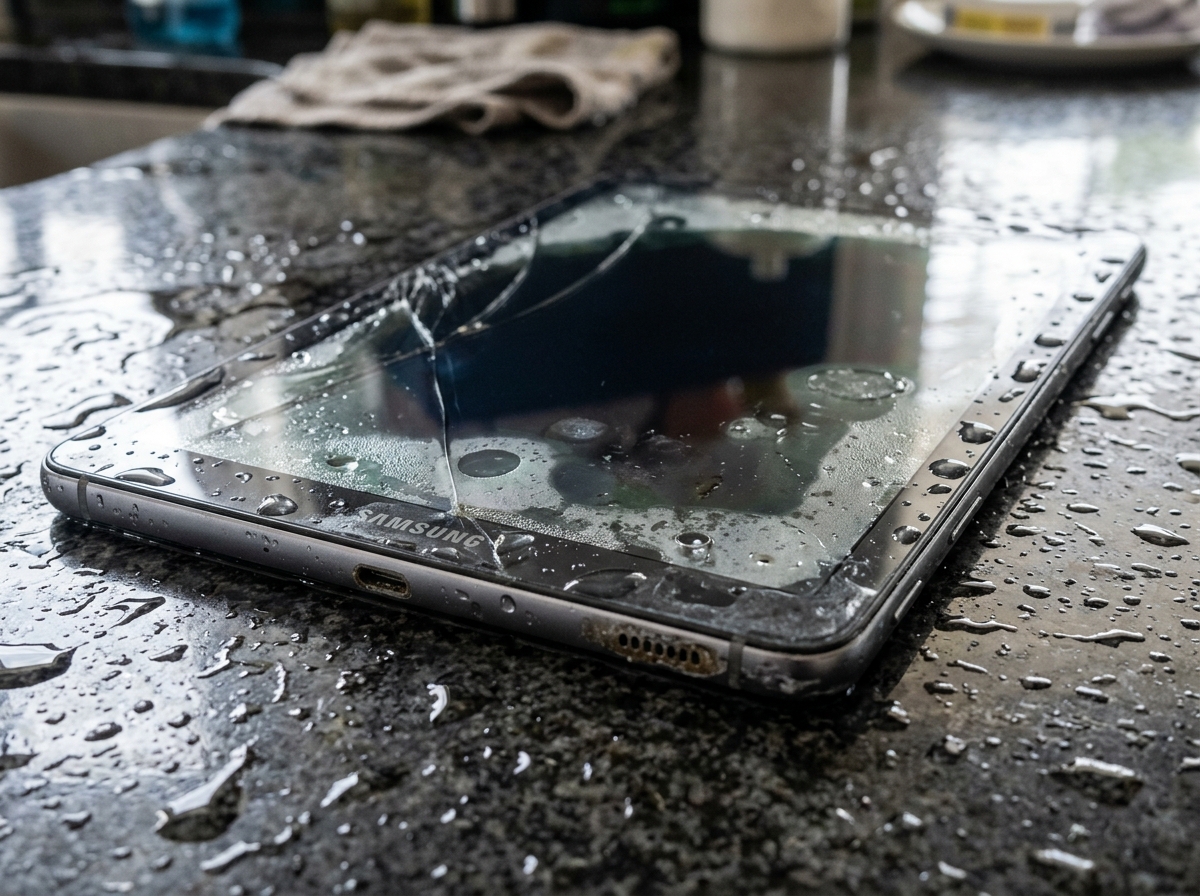
A water damaged Samsung tablet needs immediate action to have the best chance of recovery. Here is what to do right now:
Water damage is a race against time. The moment water gets inside your tablet, corrosion begins – and it does not stop until the device is properly cleaned.
Imagine you drop your tablet in the bathtub. You grab it, shake it off, and do the first thing most people think of – you stick it in a bag of rice. Days later, it still won’t charge or show anything on the screen. Sound familiar? That scenario plays out constantly, and the rice is almost never the answer.
The good news: water damage is often fixable – if you act fast and act smart.
I’m Jay Baruffa, President of Tech Dynamix and Little Mountain Phone & Computer Repair in Painesville, Ohio, and I’ve seen how quickly a water damaged Samsung tablet can go from salvageable to a total loss when the wrong steps are taken. In this guide, I’ll walk you through exactly what to do – and what to avoid – to give your device the best shot at a full recovery.
Quick Water damaged Samsung tablet terms:
When your Samsung Galaxy Tab takes an unexpected dip, your brain might freeze, but your hands need to move fast. Liquid ingress is the silent killer of electronics. The moment water enters the chassis, it searches for a path of least resistance—usually your motherboard.
The very first thing we tell our customers in Lake County is to power the device off. If the screen is still on, you are essentially running electricity through a wet conductor. This leads to instant short-circuiting. According to the official Samsung first-aid protocol, you should also remove any external attachments. This includes your protective case (which often traps water against the glass), your SIM card tray, and your microSD card.
Once the “extras” are out, hold the tablet with the ports facing downward and give it a gentle shake. You want gravity to do the heavy lifting. If you’ve dropped it in something other than fresh water—like the pool or the ocean—the situation is actually more dire. Salt and chlorine are incredibly corrosive. In those specific cases, Samsung actually suggests a quick rinse with clean water to remove those harsh minerals before they dry, though we recommend leaving deep cleaning to professional tablet repair services.
Most modern Samsung tablets, like the Galaxy Tab S8 or A8, do not have removable batteries. This makes “killing the power” a bit trickier than the old days of popping the back cover. If your tablet is frozen or unresponsive after getting wet, you need to perform a force shutdown.
To do this, press and hold the Volume Down and Side key (Power button) simultaneously for 3 to 4 seconds. This cuts the logic flow and can prevent a fatal short-circuit on the mainboard. Keeping a wet battery connected to a live circuit is like leaving a heater on in a flooded basement; the heat and electricity accelerate the chemical reaction known as corrosion. For more complex internal issues, check out our Samsung Galaxy repair info.
After the power is off, focus on the “entry points.” Use a dry cotton bud (Q-tip) or a microfiber towel to gently dab the charging port, the headphone jack (if your model has one), and the SIM tray slot. Do not jam the cotton swab in—just let it wick up the visible moisture.
We often see people try to “blow” the water out with their mouths. Please, don’t do this. You’re likely just pushing the moisture deeper into the internal layers of the LCD or onto the logic board. Instead, let the device sit at an angle so the water can drain out naturally. If you need more specific help with your model, see our Galaxy Tab services page.
We have a saying at Little Mountain Phone & Computer Repair: “Rice is for dinner, not for repair.” It is perhaps the most persistent myth in the tech world. While rice does absorb some surface moisture, it does nothing for the water trapped inside the sealed components of a water damaged Samsung tablet.
Even worse, rice introduces fine starch dust and small grains into your charging port and headphone jack, which can gunk up the internals. The real enemy isn’t just the “wetness”—it’s the mineral salts left behind once the water evaporates. These salts are conductive and will cause your tablet to “act possessed” or fail to boot weeks after you thought it was dry.
| Feature | Rice “Method” | 99% Isopropyl Alcohol (IPA) |
|---|---|---|
| Effectiveness | Very Low | Very High |
| Internal Cleaning | None | Displaces water & kills corrosion |
| Residue | Leaves starch/dust | Evaporates completely |
| Speed | 24-48 hours (ineffective) | Immediate displacement |
As noted in the iFixit guide on liquid damage, the only way to truly stop corrosion is to displace the water with a high-grade cleaning agent and physically remove the mineral deposits.
If you are tempted to grab a hair dryer or—heaven forbid—put your tablet in the microwave, stop. High heat can warp the adhesive seals, damage the sensitive layers of the AMOLED display, and even cause the battery to swell or explode.
Additionally, do not attempt to plug in a charger. Samsung devices actually have a moisture detection safety feature that will trigger a popup warning and block charging if it senses liquid in the USB port. Bypassing this or trying to “force” a charge while the port is damp will cause the pins to corrode instantly, turning a simple cleaning job into a $200+ port replacement.
If you’re tech-savvy and have the right tools, you can attempt a DIY rescue. However, be warned: Samsung tablets are notoriously difficult to open. They are held together with strong adhesives rather than screws.
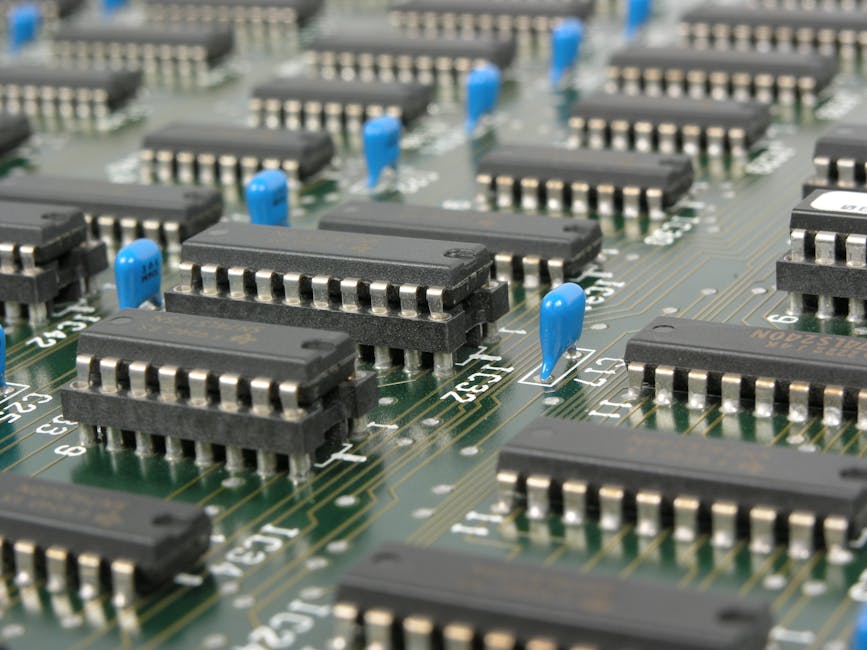
To start, you’ll need 99% Isopropyl Alcohol. Do not use 70% rubbing alcohol from the grocery store; the 30% water content in that bottle will just add to your problems. You will also need a set of plastic pry tools and a steady hand. If this sounds intimidating, we offer tablet and iPad repair with 20+ years of experience to handle the delicate stuff for you.
Once you have disassembled the tablet (following a model-specific guide), your goal is to locate the logic board. Look for white, crusty, or green fuzzy spots—this is active corrosion.
For a deeper dive into how we handle these delicate procedures, visit our general repair services page.
Many modern Samsung tablets come with an IP68 rating. But what does that actually mean?
The keyword here is fresh water. IP ratings are tested in laboratory conditions with stagnant, pure water. They do not account for the pressure of a running faucet, the salt in the ocean, or the chemicals in a hot tub. Furthermore, water resistance is not a permanent condition; it degrades over time as the adhesives age or if the tablet has ever been dropped.
If you see a moisture detection warning even after your tablet is dry, it means the sensor is either still wet or has been damaged by corrosion.
Water damage doesn’t always kill a tablet instantly. Sometimes, it creates “ghost” issues that pop up days later. Common symptoms include:
If you’re noticing these, it’s time to check out our smartphone and tablet repair options.
Here is the hard truth: Samsung’s standard warranty does not cover liquid damage. Even on “water-resistant” models, if the internal Liquid Contact Indicators (LCI) have turned red, your warranty is void.
Repair costs can vary wildly. For example:
In many cases, a thorough professional cleaning (ultrasonic cleaning) can save the device for a fraction of the cost of replacement. We provide these cellphone and tablet repair services right here in Mentor and Painesville.
No. We strongly advise against this. 70% alcohol contains 30% water and often includes oils or denaturants that leave a conductive residue behind. Always use 99% Isopropyl Alcohol for electronics. It evaporates almost instantly and is much safer for the delicate circuits.
This is a safety lockout. Your tablet has detected conductivity between the pins in the charging port. To prevent a fire or permanent hardware failure, it disables the wired charging port. If you must charge the device, use a wireless charger (if supported) while you wait for the port to dry completely.
At a minimum, 24 to 48 hours. Place it in a well-ventilated area with a cool fan blowing across it. Do not try to “test” it every hour; every time you try to power it on while wet, you risk finishing off the device for good.
Dealing with a water damaged Samsung tablet is stressful, but it doesn’t have to be the end of your device. By acting quickly, avoiding the “rice trap,” and focusing on proper cleaning, you can often bring a “dead” tablet back to life.
At Little Mountain Phone & Computer Repair, we’ve spent over 20 years helping our neighbors in Painesville, Mentor, Chardon, and across Lake County fix their most “hopeless” tech disasters. With an average repair time of just 30 minutes for many common issues and a deep bench of experience in liquid damage recovery, we are here to help.
Don’t let corrosion win. If your tablet has taken a swim, schedule your tablet repair today and let our experts give it the professional cleaning it deserves.

Need Help?
© Big Hill Technologies, LLC. All Rights Reserved

