-

-
Location:
1922 Mentor Ave, Painesville Twp.
Location:
1922 Mentor Ave, Painesville Twp.
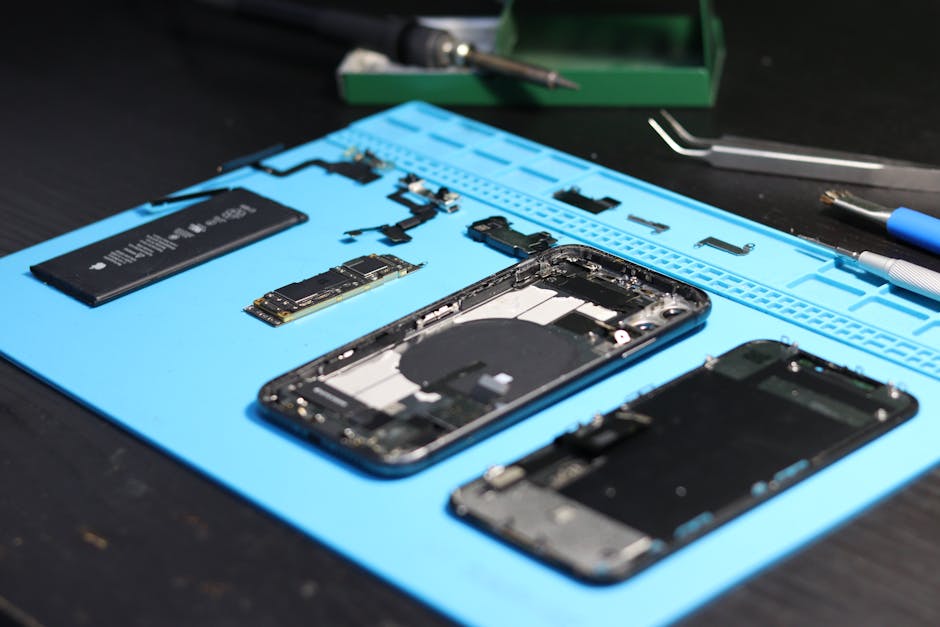
Phone button repair is something most smartphone owners will face at some point — whether it’s a power button that won’t click, a volume rocker that stopped responding, or a home button that needs extra force to register.
Here’s a quick overview of your options:
| Problem | Quick Fix | When to Get Help |
|---|---|---|
| Sticky or stiff button | Clean with isopropyl alcohol and toothpick | If cleaning doesn’t help |
| Unresponsive button | Try a soft reset or software workaround | If button is physically damaged |
| Button after a drop | Check for visible damage | Immediately if phone won’t turn on |
| Water-damaged button | Let phone dry completely | If corrosion is visible |
| Completely dead button | Use accessibility/assistive touch | Book a repair as soon as possible |
Buttons are small, but they control everything — locking your screen, adjusting volume, restarting a frozen device. When they fail, your whole phone becomes harder to use.
The good news? Many button problems are fixable without buying a new phone. Some you can handle yourself. Others are better left to a professional.
I’m Jay Baruffa, President of Little Mountain Phone & Computer Repair in Painesville, Ohio, where I’ve handled countless phone button repair cases — from simple cleanings to full internal switch replacements across iPhone, Android, and tablet devices. In this guide, I’ll walk you through everything you need to know to get your buttons working again without losing your cool.
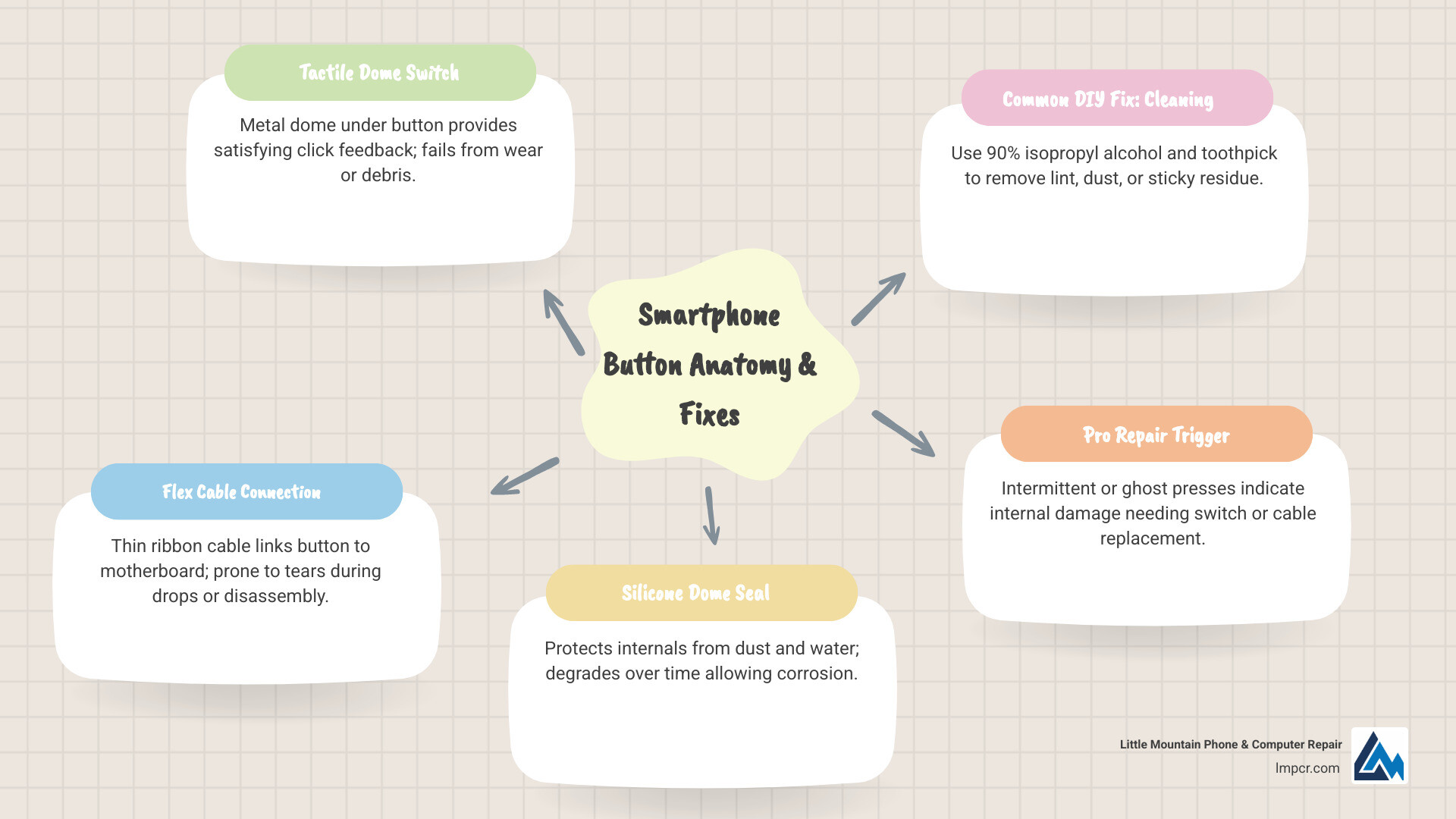
Basic phone button repair glossary:
While modern smartphones are sleek and mostly screen-driven, the mechanical buttons remain the primary gateway to your device’s core functions. Unfortunately, because they are moving parts, they are susceptible to wear and tear. At Little Mountain Phone & Computer Repair, we see a wide range of failures, but they usually stem from a few specific culprits.
One of the most common issues is physical drops. Even if your screen survives a fall, the impact can shift the internal metal brackets or snap the delicate flex cables that connect the button to the motherboard. Another silent killer is liquid ingress. Whether it’s a splash in the kitchen or humidity from a steamy bathroom, moisture can cause internal corrosion or rust on the conductive copper pads.
In some specialized cases, like older cordless units or specific button membranes, “silicone oil” can seep out of the rubber keypad over time. This oil acts as an insulator, blocking the electrical signal when you press the button. Understanding The Latest Trends in Cellphone Repairs You Need to Know helps us realize that as devices become more compact, the internal components become even more tightly packed, making even a tiny amount of debris a major problem.
You don’t always wake up to a completely dead button; usually, the device gives you a few warnings. If you notice any of the following, it’s time to look into phone button repair:
If your smartphone power button is not working, it is often a sign that the internal mechanical switch has reached the end of its lifespan or has been knocked out of alignment.
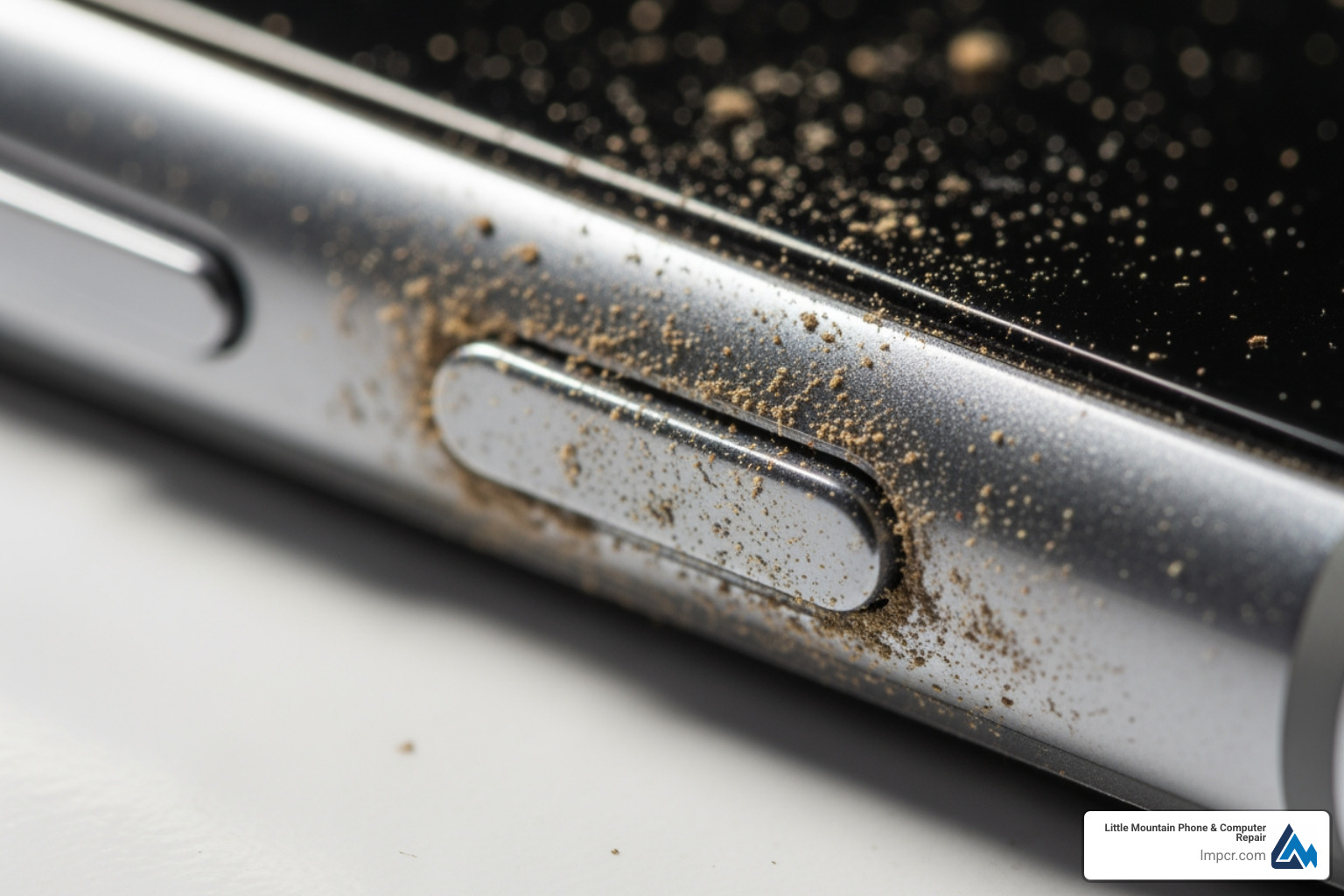
Your phone lives a hard life. Pocket lint and crumbs are constantly being pressed into the tiny gaps around your volume rocker. Over months of use, this debris compacts into a hard layer that prevents the button from physically moving down far enough to trigger the switch.
Humidity corrosion is another factor. Even if you’ve never dropped your phone in water, consistent exposure to high humidity can oxidize the internal connections. Furthermore, spring fatigue is a real mechanical reality. The tiny metal domes inside the switch are designed to “spring” back after being pressed. After thousands of clicks, that metal can lose its elasticity or crack. When this happens, it’s often helpful to review a Detailed Guide to Phone Screen Repair Options since many button assemblies are bundled with other internal components that might need attention during a teardown.
Before you assume you need a full hardware replacement, there are several “soft” fixes and cleaning techniques we recommend trying at home. Many phone button repair issues are simply caused by external obstructions.
If your button feels sticky, the culprit is likely spilled soda, skin oils, or accumulated grime. Here is how to safely clean it:
If your smartphone volume button is not working after a thorough cleaning, the issue is likely deeper in the hardware. For more on general device upkeep, check out our Service Post Smartphones Repair page.
If your power button is physically broken but the phone is still on, you can use software to keep the device functional until you can get to our shop in Lake County.
Using these workarounds is a great temporary fix, but it shouldn’t be a permanent solution. For help deciding when to stop using workarounds and start a real fix, see A Comprehensive Guide to Phone Repair vs Replace.
For the adventurous techies in Mentor or Chardon, DIY phone button repair might seem like a fun weekend project. However, modern smartphones are not built like the electronics of the past. They are held together with strong adhesives, tiny pentalobe screws, and fragile ribbon cables.
If you are attempting a repair on something like an iPhone X, be prepared for a marathon. To reach the iPhone X Power and Audio Exterior Buttons Replacement, you actually have to remove almost every internal component, including the display, the battery, and the logic board. It is one of the most invasive repairs you can perform.
We always want our customers to be informed. Here is a comparison of what you’re looking at:
| Feature | DIY Repair | Professional (Little Mountain) |
|---|---|---|
| Cost | Low (Parts only) | Moderate ($50 – $150) |
| Time | 2–4 hours for beginners | ~30–60 minutes |
| Risk | High (Screen/Motherboard damage) | Zero (Insured & Guaranteed) |
| Tools | Needs specialized kit | Professional lab-grade tools |
| Warranty | None (Voids manufacturer warranty) | 1-year limited warranty |
The biggest risk of DIY is voiding your warranty or causing secondary damage. A slip of a spudger can tear a FaceID cable or crack a delicate OLED screen. We’ve seen many “simple” Fix Your Samsung A13 Screen Like a Pro attempts turn into expensive motherboard repairs because of static discharge or a misplaced screw.
If you are determined to DIY, don’t use household tools. You will need:
Choosing the right components is vital. We always recommend reading Get Your Phone Fixed Right What to Look for in a Repair Shop to understand the difference between high-quality parts and the cheap knock-offs found on discount sites.
There comes a point where the risk of DIY outweighs the savings. If your phone is your primary tool for work or family communication, you can’t afford to have it out of commission for days because a DIY repair went sideways.
At Little Mountain Phone & Computer Repair, we specialize in high-speed, high-quality phone button repair. We serve the entire Lake County area, from Painesville to Wickliffe, providing a level of precision that is hard to replicate at a kitchen table. We stay on top of The Latest Trends in iPhone Repairs You Need to Know to ensure we can handle the newest models with ease.
Most people are surprised to learn that phone button repair is quite affordable. Generally, a power or volume button replacement costs between $50 and $150, depending on the model and the complexity of the internal assembly.
While some large chains might take days, our average repair time is just 30 minutes. In the broader industry, most professional services aim for same-day completion. You can even schedule a repair online to ensure the parts are waiting for you when you arrive.
When you choose a professional shop with 20+ years of experience, you aren’t just paying for the labor. You are paying for:
For most standard smartphones, you can expect to pay between $50 and $150. The price varies based on whether the button is a simple mechanical switch or part of a complex flex cable assembly that includes microphones or flash modules.
Yes, in many cases. If the damage is caught early, we can perform a professional ultrasonic cleaning to remove corrosion. If the internal switch is rusted, we simply replace the entire button assembly to restore full functionality.
At Little Mountain Phone & Computer Repair, we pride ourselves on speed. Most button repairs are completed in about 30 to 60 minutes. Even for complex models, we almost always offer same-day service, so you aren’t stuck without your phone overnight.
A broken button can make a thousand-dollar smartphone feel like a paperweight, but it doesn’t have to be the end of your device’s life. Whether you’re dealing with a bit of pocket lint or a snapped internal cable, there is always a path back to a working phone.
If you’ve tried the cleaning tips and software workarounds but your phone is still acting up, don’t risk a DIY disaster. Bring it to the experts. With over 20 years of experience and a commitment to 30-minute average repairs, Little Mountain Phone & Computer Repair is here to help our neighbors in Painesville, Mentor, Willoughby, and throughout Lake County.
Stop by today or find more info about our professional repair services to get your device back in clicking order!

Need Help?
© Big Hill Technologies, LLC. All Rights Reserved

