-

-
Location:
1922 Mentor Ave, Painesville Twp.
Location:
1922 Mentor Ave, Painesville Twp.
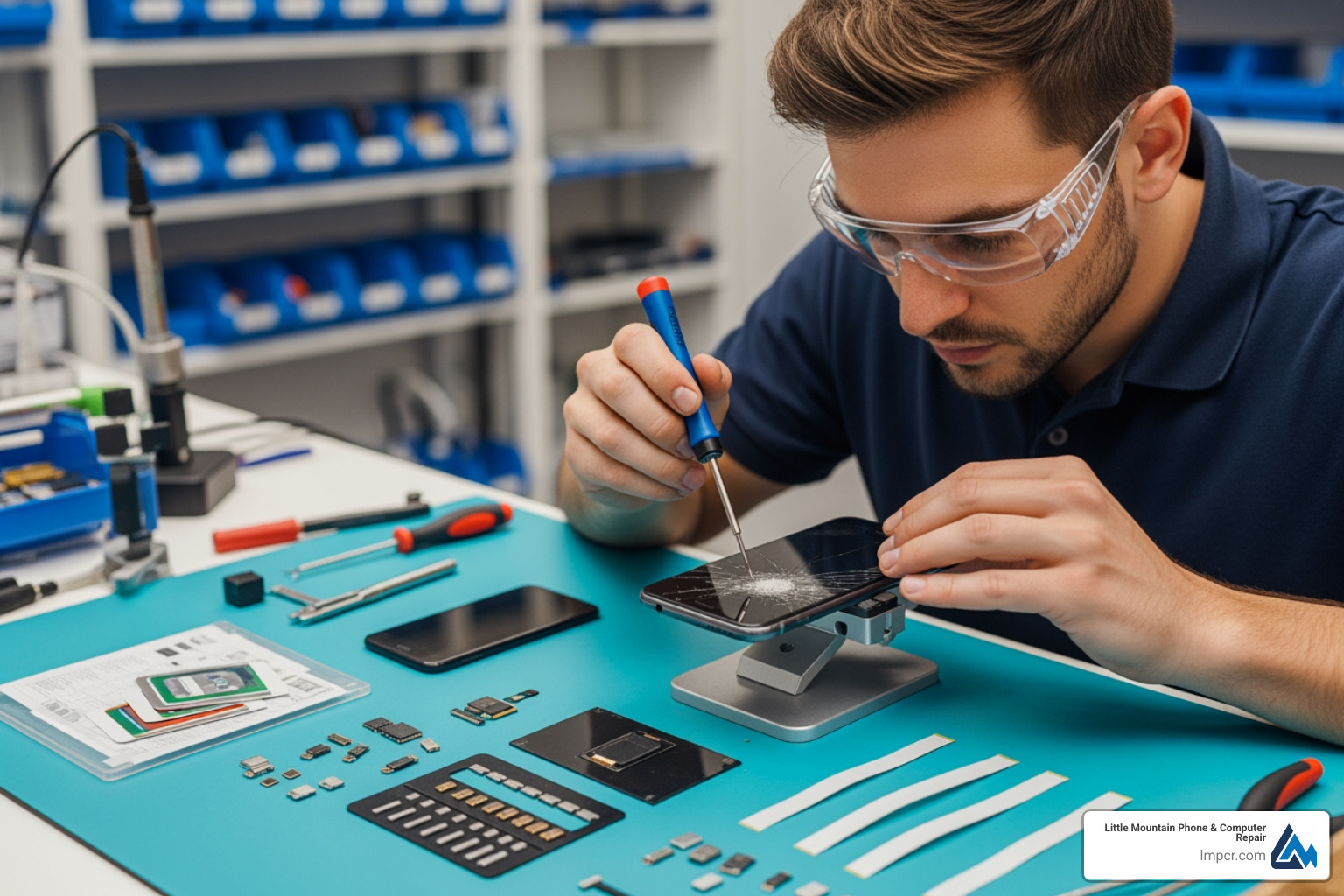
Phone repair vs replace is a common dilemma. When your screen cracks or your battery dies, you face a decision that affects your wallet, your schedule, and how reliably you can communicate, work, and steer day-to-day life.
The good news is that the choice usually becomes clear once you look at a few practical factors: how old the phone is, what the repair will cost compared to the phone’s current value, whether the device still receives security updates, and whether the damage is isolated or part of a bigger failure.
Quick Answer: When to Repair vs Replace
| Choose Repair When: | Choose Replace When: |
|---|---|
| Repair costs < 50% of phone's value | Phone is 4+ years old / no updates |
| Phone is under 3 years old | Multiple major components failed |
| Single issue (screen, battery) | Repair costs > 60% of value |
| Device receives software updates | Severe water or motherboard damage |
| Sentimental value or critical data | You need new features urgently |
Most common problems-cracked screens, dying batteries, broken ports-can be fixed for a fraction of a new device’s cost. A screen repair typically costs $79 to $300, while new flagships run $800 to $1,200. If the repair is under half the market value and the phone is under three years old, repair is usually the smarter choice.
Repairing also preserves your data and settings while reducing environmental waste. Extending a device’s life by one year can reduce its carbon footprint by 30%.
A simple way to think about the decision is to treat your phone like a tool you rely on every day. If a single part is failing (battery, screen, charge port) but the rest of the device is solid and supported by updates, a targeted repair can restore performance and reliability quickly. On the other hand, if the device is aging out of security updates or has multiple expensive failures at once, replacement often becomes the safer long-term choice.
I’m Jay Baruffa, President of Tech Dynamix and owner of Little Mountain Phone & Computer Repair in Painesville, Ohio. In this guide, I’ll walk you through the factors to consider so you can make the best financial and practical decision.
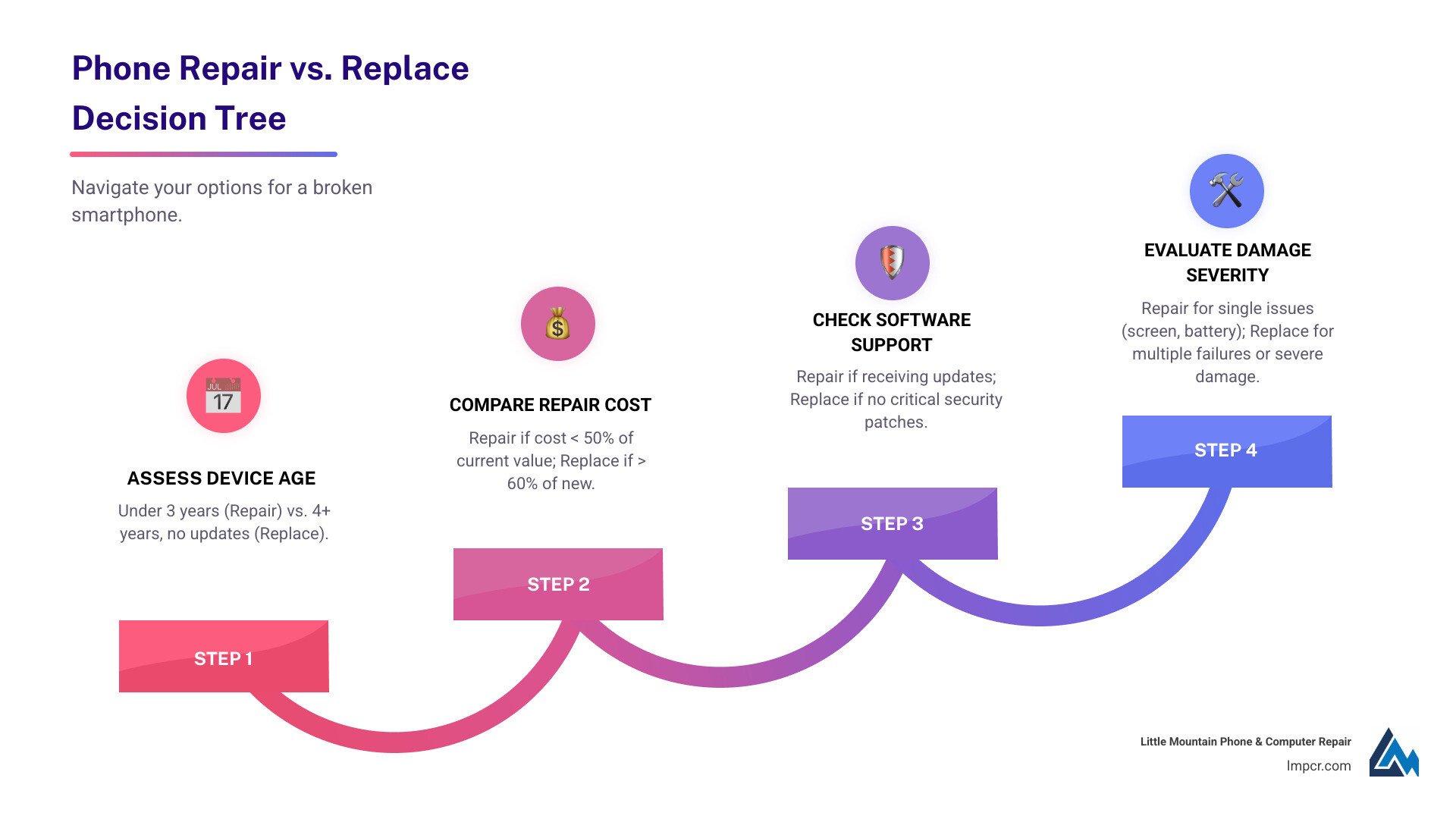
Before you decide, take 2 minutes to answer these questions:
If you are unsure, a professional diagnostic is often the best first step. It helps confirm whether the issue is a straightforward repair (common) or a deeper logic board/water damage situation (less common, but more expensive).
Comparing repair costs against a new device is the first step in the phone repair vs replace decision. In most cases, you are not choosing between “spend $100” and “spend $1,000” in a vacuum-you are comparing the cost of a repair to what your current phone is actually worth today, and how much useful life you will get after the fix.
| Repair Type | Typical Cost Range | New Phone Comparison |
|---|---|---|
| Cracked Screen | $79 – $300 | Pixel 6a: $499 / Flagships: $800+ |
| Battery | $50 – $70 | Extends current life significantly |
| Charging Port | $50 – $100 | Much cheaper than replacement |
| Camera | $100 – $300 | Depends on model severity |
We recommend the “50% rule”: if the repair costs less than 50% of the phone’s current market value, repair it. Consumer Reports notes it’s often worth replacing a cracked screen; read more in “Is It Worth It to Replace a Cracked Phone Screen?“. At Little Mountain Phone & Computer Repair, we offer free diagnostics to help you decide. See our iPhone services for details.
To apply the 50% rule, base the phone’s value on what it would sell for now in similar condition (before repair), not the original purchase price. A practical approach is to check a few recent resale listings for your model and storage size, then average them.
Also consider the “hidden” replacement costs that do not show up on a price tag:
For many people, paying for a quality repair is not only cheaper than buying new, it is also the fastest way back to a reliable daily driver.
If your phone is under three years old, repair is almost always better. A $50-$70 battery can make a 3-year-old phone feel new. Learn more in “The Latest Trends in Cellphone Repairs You Need to Know“.
However, if a phone is over three years old and sluggish, it may face software incompatibilities or “planned obsolescence.” If your device still receives updates, we recommend repair. Samsung users can find specialized help on our Samsung Galaxy services page.
A helpful way to interpret age:
Check your warranty or insurance first. AppleCare+ or Samsung Care+ can reduce screen repairs to $29. Check your status at Apple’s coverage site or the Samsung warranty checker. If covered, repair is the obvious choice. We also service Google Pixel 8 devices.
If you are paying out of pocket, ask for an estimate and consider how confident you are in the phone’s overall condition. For example, repairing a screen on a phone with a strong battery and good charging behavior is usually a straightforward win. But if you are seeing multiple symptoms (overheating, random restarts, severe battery drain), it is smarter to diagnose everything first so you do not fix one issue only to find another major failure later.
When in doubt, start with a diagnostic and a clear quote. That way your decision is based on numbers and device condition-not guesswork.
Sometimes replacement is the better option.
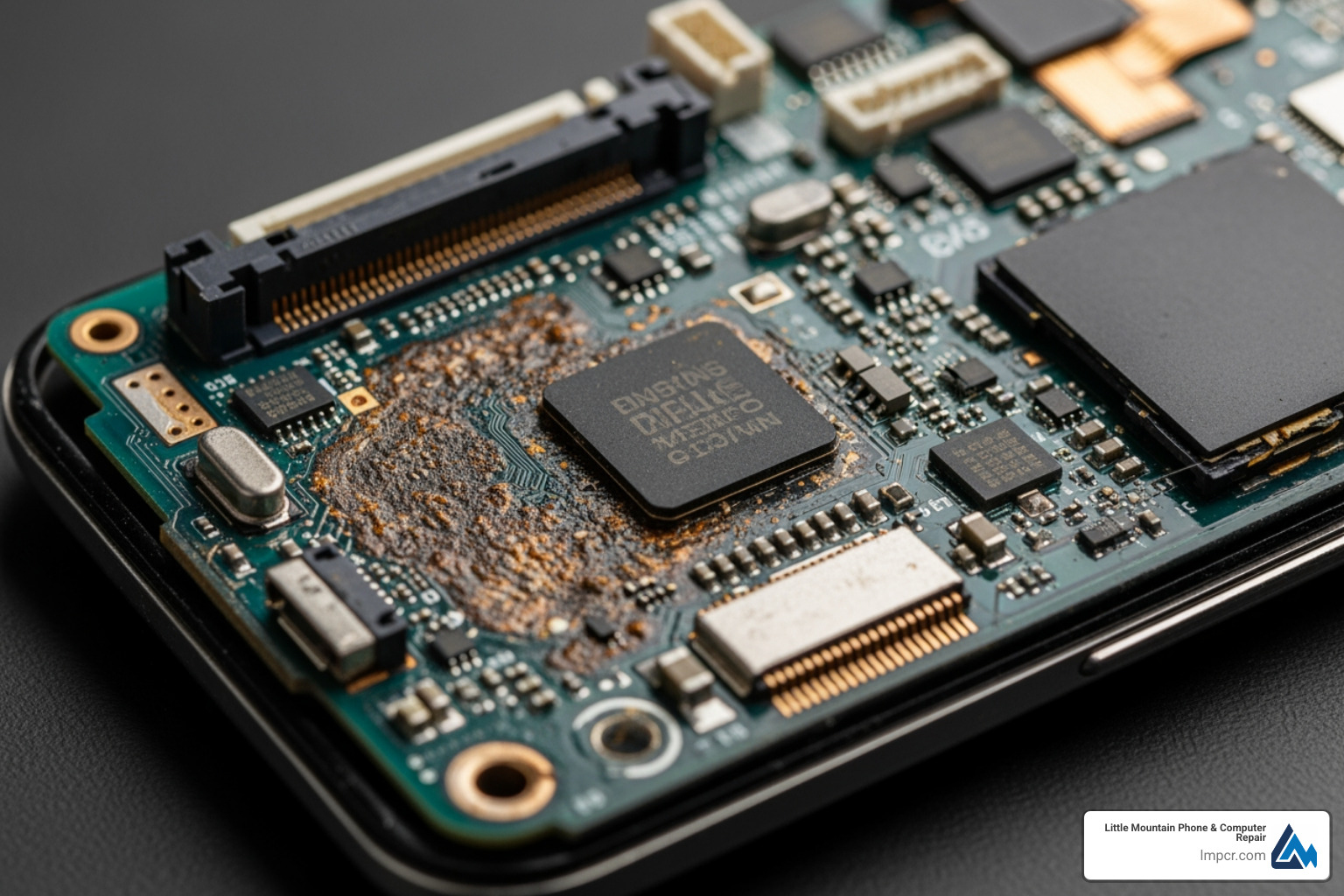
Key signs for an upgrade include:
We offer diagnostics for Motorola Edge 20 and older models like the iPhone 7 to help you decide.
Replacement becomes more attractive when the phone is no longer dependable or secure. Consider leaning toward a new device if you are seeing several of these at once:
None of these automatically means “replace now,” but multiple items together often indicate that money spent on repairs may not buy you much additional reliable life.
Physical condition matters because it affects both repairability and long-term durability. A heavily bent frame can make a new screen sit improperly. Prior liquid exposure can create unpredictable failures weeks later as corrosion progresses. In these cases, we will usually recommend the option that best protects your time and money-even if that means replacing instead of repairing.
We provide honest assessments for all cellphone repair needs, ensuring you don’t waste money on a failing device.
Manufacturing a smartphone accounts for 95% of its lifetime carbon emissions. By repairing, you reduce e-waste and resource depletion. Extending a device’s life by 12 months cuts its emissions by 30%. Learn more in PIRG’s 2020 report. We support sustainability through our smartphones repair services.
There are also real, personal benefits to keeping a phone in service longer:
When you repair instead of replace, you are not only making a greener choice-you are also often choosing the path with fewer surprises.
Professional repair offers several advantages:
A professional repair also helps you avoid common DIY pitfalls, like damaging delicate connectors, breaking adhesive seals, or installing low-quality parts that fail early. When speed matters (for example, you need your phone for work, school, navigation, or family communication), a fast and reliable repair can be the simplest way to get back to normal without the downtime of shopping and setting up a replacement.
Repair is cost-effective when the cost is under 50% of the phone’s market value, the device is under three years old, or the issue is isolated (like a screen or battery). It’s also ideal if you have insurance like AppleCare+ or want to avoid the hassle of data migration.
Replacing a phone contributes to e-waste and resource depletion. Manufacturing requires over 70 minerals and has a high carbon footprint. Repairing conserves energy and reduces the demand for new manufacturing, significantly lowering the device’s lifetime environmental impact.
Navigating the phone repair vs replace dilemma can feel overwhelming, but by considering the factors we’ve discussed—cost-effectiveness, device age, warranty, severity of damage, and environmental impact—you can make an informed decision that’s right for you.
At Little Mountain Phone & Computer Repair, we’re dedicated to helping our community in Painesville, Concord Township, Perry, Madison, Leroy Township, Fairport Harbor, Grand River, Mentor, Mentor-on-the-Lake, Kirtland, Kirtland Hills, Chardon, Aquilla, Eastlake, Willowick, Wickliffe, Willoughby, Willoughby Hills, Geneva, and all of Lake County, Ohio. With over 20 years of experience, we provide honest assessments, comprehensive solutions, and often complete repairs in an average of 30 minutes. We believe in transparency and empowering you to make the best choice for your device and your wallet.
Whether it’s a cracked screen, a failing battery, or a software glitch, don’t rush to buy a new phone. Let us take a look. We’ll give you a free diagnostic and clear advice, helping you extend the life of your current device whenever possible. Your satisfaction is our priority, and we’re here to get your technology working flawlessly again.
Don’t let a broken phone disrupt your life or drain your bank account. Take the first step towards a smart solution.
Schedule your professional repair today and let us help you decide if phone repair vs replace is the right path for you!

Need Help?
© Big Hill Technologies, LLC. All Rights Reserved