-

-
Location:
1922 Mentor Ave, Painesville Twp.
Location:
1922 Mentor Ave, Painesville Twp.

iPad water damage is one of the most common — and most stressful — device emergencies people face. Here’s what to do immediately:
The faster you act, the better your chances of saving your device.
Water and electronics don’t mix well. Even a brief splash can push moisture deep inside your iPad, where it starts corroding components — sometimes within minutes. Worse, turning a wet iPad back on can cause a short circuit that turns a fixable problem into a total loss.
The good news? Many water-damaged iPads can be saved — if you act quickly and avoid a few common mistakes.
I’m Jay Baruffa, President of Little Mountain Phone & Computer Repair in Painesville, Ohio, and I’ve helped hundreds of customers recover from iPad water damage through component-level diagnostics and hands-on repair. In this guide, I’ll walk you through exactly what to do — and what to avoid — to give your iPad the best chance of survival.
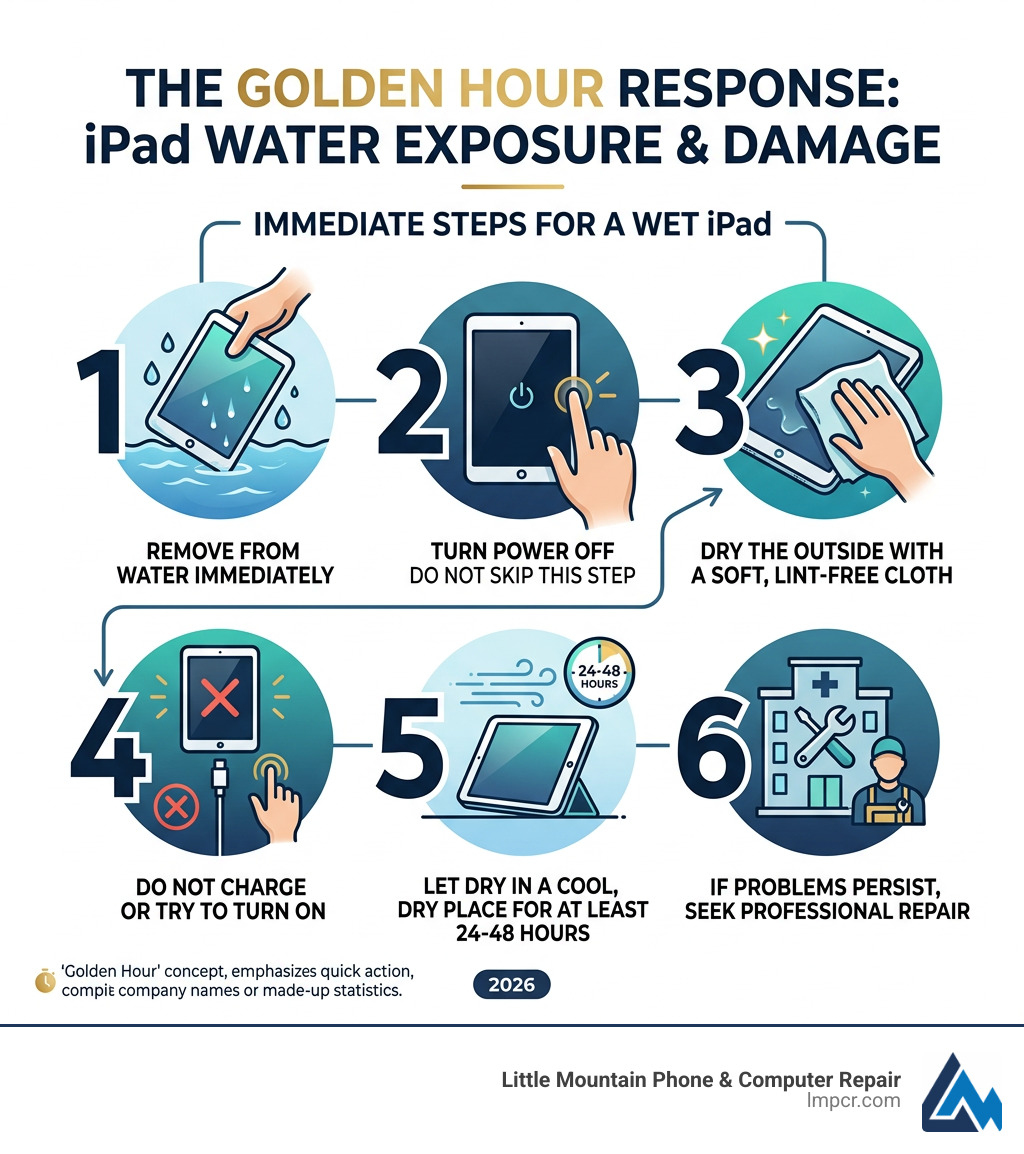
When your iPad takes an unexpected swim in a pool, bathtub, or — let’s be honest — the toilet, the first 60 minutes are critical. We call this the “Golden Hour.” What you do during this window determines whether you’ll be looking at a simple cleaning or a full device replacement.
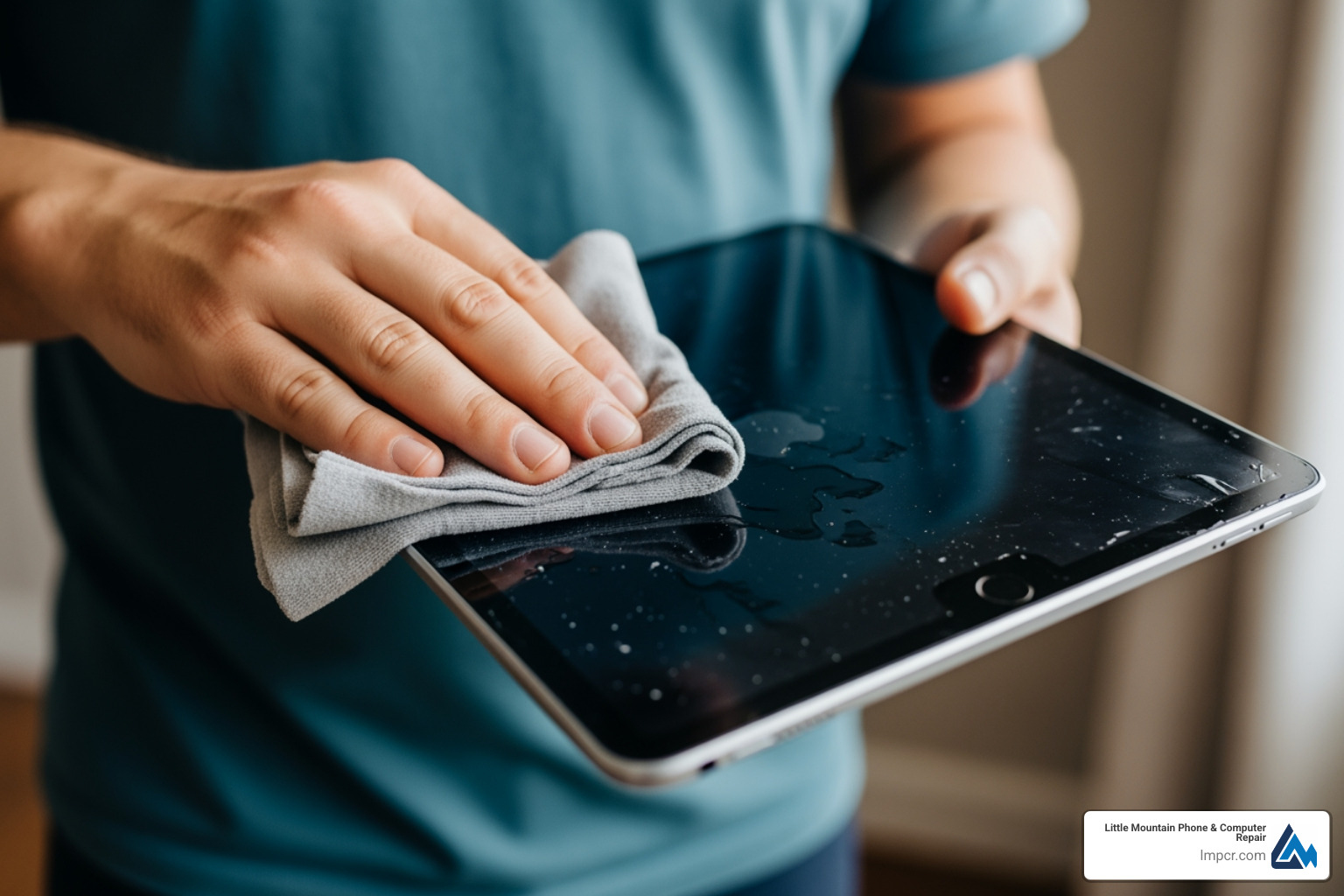
The moment you fish it out, your priority is to stop the flow of electricity. Water itself isn’t what kills the iPad; it’s the impurities in the water that conduct electricity to places it shouldn’t go, causing short circuits.
If the screen is still on, turn it off right away. For iPads with a Home button, hold the top button until the slider appears. For newer iPad Pro or Air models, hold the top button and either volume button. If it’s already off, leave it off. Do not be tempted to “just check if it still works.” That one button press could be the final blow to your logic board.
Remove any cases, covers, or screen protectors. These accessories act like a sponge, trapping moisture against the seams of the device. If your model has a SIM card slot, use a paperclip to pop the tray out. This creates a small “vent” that helps air reach the internal components.
Hold the iPad so the charging port or the speakers are facing downward. Give it a very gentle shake to help liquid drain out. Just don’t shake it so hard that you send the water deeper into the display layers.
According to Important handling information for iPad, you should always avoid getting moisture in openings, but if the moisture is already there, your goal is a controlled exit. At our shop, we often see that the charging port is the primary entry point for liquid, making it the most vulnerable area during the initial dry-off.
If you are in the Lake County area and feel overwhelmed by these steps, our iPad Repair Services team can take over the process with professional-grade tools.
It might seem dramatic to insist on a total shutdown, but the science of iPad water damage is unforgiving. When water enters your device, three destructive processes begin:
By powering down, you halt the electrolysis process. While corrosion can still occur over time, you significantly reduce the risk of an immediate, catastrophic “pop” inside the device. If you’re worried about your photos or documents, Data Backup & Recovery is much easier on a device that hasn’t been short-circuited by a premature power-on attempt.
Once the exterior is dry, the waiting game begins. You need to encourage evaporation without using excessive heat.
While home drying can work for minor splashes, we always suggest a professional diagnostic or a visit to our Painesville location for a deep internal inspection. Often, the iPad looks dry on the outside while a small puddle remains trapped under the battery.
There is a lot of bad advice on the internet. Following the wrong “hack” can turn a $100 repair into a $600 replacement. Let’s set the record straight.
If there is one thing we want you to take away from this guide, it’s this: Do not put your iPad in a bag of rice.
Why? Because rice doesn’t actually pull moisture out of a sealed device effectively. More importantly, rice is covered in fine starch dust. When that dust meets the water inside your iPad, it creates a sticky, conductive paste that is nearly impossible to clean off the logic board. We’ve seen many iPads that might have survived the water, only to be killed by “rice sludge” in the charging port.
| Method | Effectiveness | Risks |
|---|---|---|
| Silica Gel | High | None (Safest DIY method) |
| Open Air + Fan | Medium | Slow drying time |
| Uncooked Rice | Very Low | Starch dust, clogged ports, mold growth |
| Hairdryer | Dangerous | Melted screen adhesive, pushed water deeper |
Sometimes you don’t even see the iPad get wet — maybe it was in a backpack during a Lake County rainstorm or sat in a humid bathroom during a long shower. Here are the red flags:
If you notice these symptoms, it’s time to look into Tablet Repair Services before the corrosion becomes permanent.
A common misconception is that because the iPhone is water-resistant, the iPad must be too. Unfortunately, that isn’t the case.
Unlike the iPhone 12 and newer models, which carry an IP68 rating (allowing for submersion up to 6 meters), Apple does not provide an official IP rating for any iPad model.
The iPad’s design — with its large screen-to-body ratio, massive battery, and multiple speaker grilles — makes it very difficult to seal against water. While an iPad Pro can handle a few stray droplets or a light mist, it is not designed to be submerged. The aluminum housing is sturdy, but the adhesive holding the glass to the frame is not a waterproof gasket.
The short answer is: No.
Apple’s standard One-Year Limited Warranty specifically excludes damage caused by liquid. Even if your iPad looks perfect on the outside, Apple technicians check for “Liquid Contact Indicators” (LCIs). On iPhones, these are easily visible in the SIM slot. On iPads, they are often located deep inside the device on the logic board. If those indicators have turned red, the warranty is void.
However, as noted in the Apple Warranty and Consumer Law documentation, you may have specific rights under consumer law in certain regions, or if you purchased AppleCare+, you may be eligible for a device replacement for a much lower deductible.
When DIY steps aren’t enough, professional intervention is required. At Little Mountain Phone & Computer Repair, we don’t just “dry” your iPad; we perform a surgical cleaning.
We know your iPad is essential for work, school, or keeping the kids entertained. That’s why we leverage our 20+ years of experience to provide quick turnarounds. While a full water damage cleaning takes longer than our average 30-minute screen repair, we start the diagnostic process immediately to stop the corrosion in its tracks.
The gold standard for fixing iPad water damage is ultrasonic cleaning. We disassemble the iPad, remove the logic board, and place it in a specialized bath filled with a non-conductive, chemical solution. High-frequency sound waves create microscopic bubbles that “scrub” away corrosion and mineral deposits from underneath the tiny chips where a brush can’t reach.
Sometimes, the water fries a specific “chip” or a tiny capacitor. Instead of telling you the whole iPad is trash, our technicians use high-powered microscopes to identify the damaged component and solder on a new one. This is often the only way to recover data from a device that won’t turn on.
As mentioned, iPads are technically neither. They are “splash-tolerant” at best. The newer iPad Pro models have tighter tolerances, but the lack of an IP rating means you should never intentionally submerge them. If you’re using your iPad near the lake in Mentor or by a pool in Willoughby, we highly recommend a dedicated waterproof case.
It’s a gamble you usually lose. While the water might evaporate, the minerals (calcium, magnesium, etc.) stay behind. These minerals are conductive. As the device heats up during normal use, these deposits can eventually bridge a connection and cause a “delayed” failure weeks or even months after the initial spill. Professional cleaning removes these “time bombs.”
In most cases, yes! Even if the screen is black and the battery is dead, the data is stored on a NAND flash chip. As long as that specific chip isn’t cracked or severely fried, we can often perform a “board swing” or temporary repair to get the device to boot just long enough to pull your precious photos and files. Check out our Data Recovery Guide for more on how we protect your files.
Dealing with iPad water damage is a race against time. By powering down immediately, avoiding the rice bag, and seeking professional help, you can often save your device and your data.
Whether you’re in Mentor, Painesville, Chardon, or anywhere else in Lake County, Little Mountain Phone & Computer Repair is here to help. We pride ourselves on transparent pricing, expert micro-soldering, and the kind of fast service that only 20 years in the business can provide.
Don’t let a spill be the end of your iPad. Visit our Services page to book a diagnostic, or stop by one of our locations today. We’ll give your device the expert care it needs to get back to work.

Need Help?
© Big Hill Technologies, LLC. All Rights Reserved

