-

-
Location:
1922 Mentor Ave, Painesville Twp.
Location:
1922 Mentor Ave, Painesville Twp.

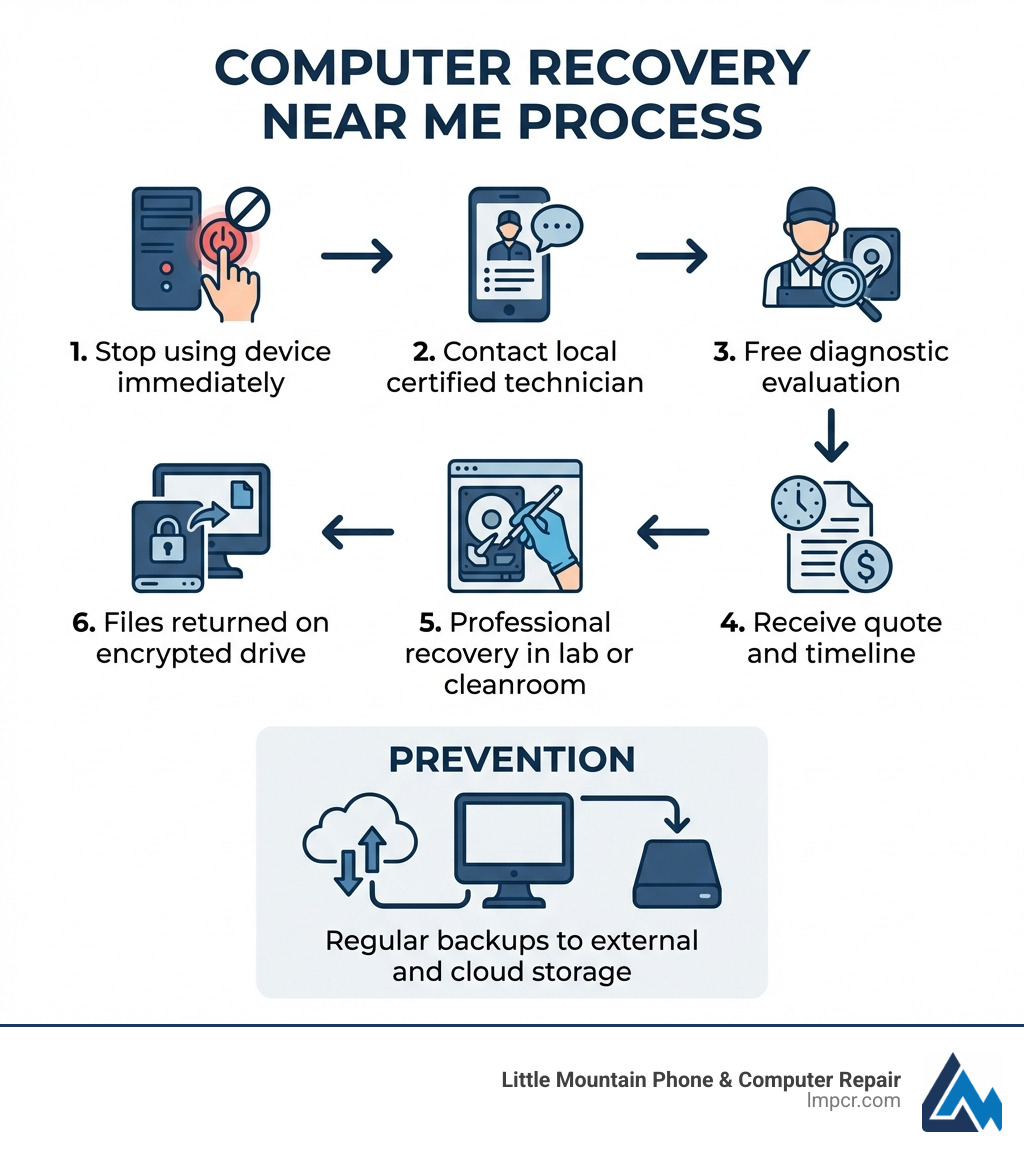
Computer recovery near me is one of the most urgent searches you’ll make when critical files disappear or your device refuses to boot. Here’s what you need to know right now:
Quick Action Steps:
Common Recovery Services Available:
| Service Level | Issue Type | Typical Cost | Timeframe |
|---|---|---|---|
| Level 1 | Accidental deletion, simple corruption | $200-$250 | Same day |
| Level 2 | File system damage, reformatted drives | $450-$550 | 2-3 days |
| Level 3 | Advanced imaging, firmware issues | $550-$1,400 | 3-5 days |
| Level 4 | Physical damage, cleanroom work | $1,400+ | 5-7+ days |
Whether you’ve lost family photos, financial records, or crucial work files, the situation feels overwhelming. One minute your computer is fine, the next it won’t boot or your files have vanished. Professional data recovery exists specifically for these moments – and the right local expert can often save what seems permanently lost.
The key is acting fast and smart. Every action you take after data loss either helps or hurts your chances of recovery. Using the wrong software, continuing to operate a failing drive, or attempting repairs yourself can turn a recoverable situation into permanent data loss.
I’m Jay Barufba, President of Tech Dynamix and Little Mountain Phone & Computer Repair in Painesville, Ohio, and I’ve spent years helping families and businesses recover from data disasters. When searching for computer recovery near me, understanding the process and knowing what questions to ask can mean the difference between getting your files back and losing them forever.
Data loss rarely happens at a convenient time. Whether you’re in Mentor or Chardon, the sinking feeling in your stomach is the same when that “Drive Not Found” message appears. Understanding why it happened is the first step toward fixing it.
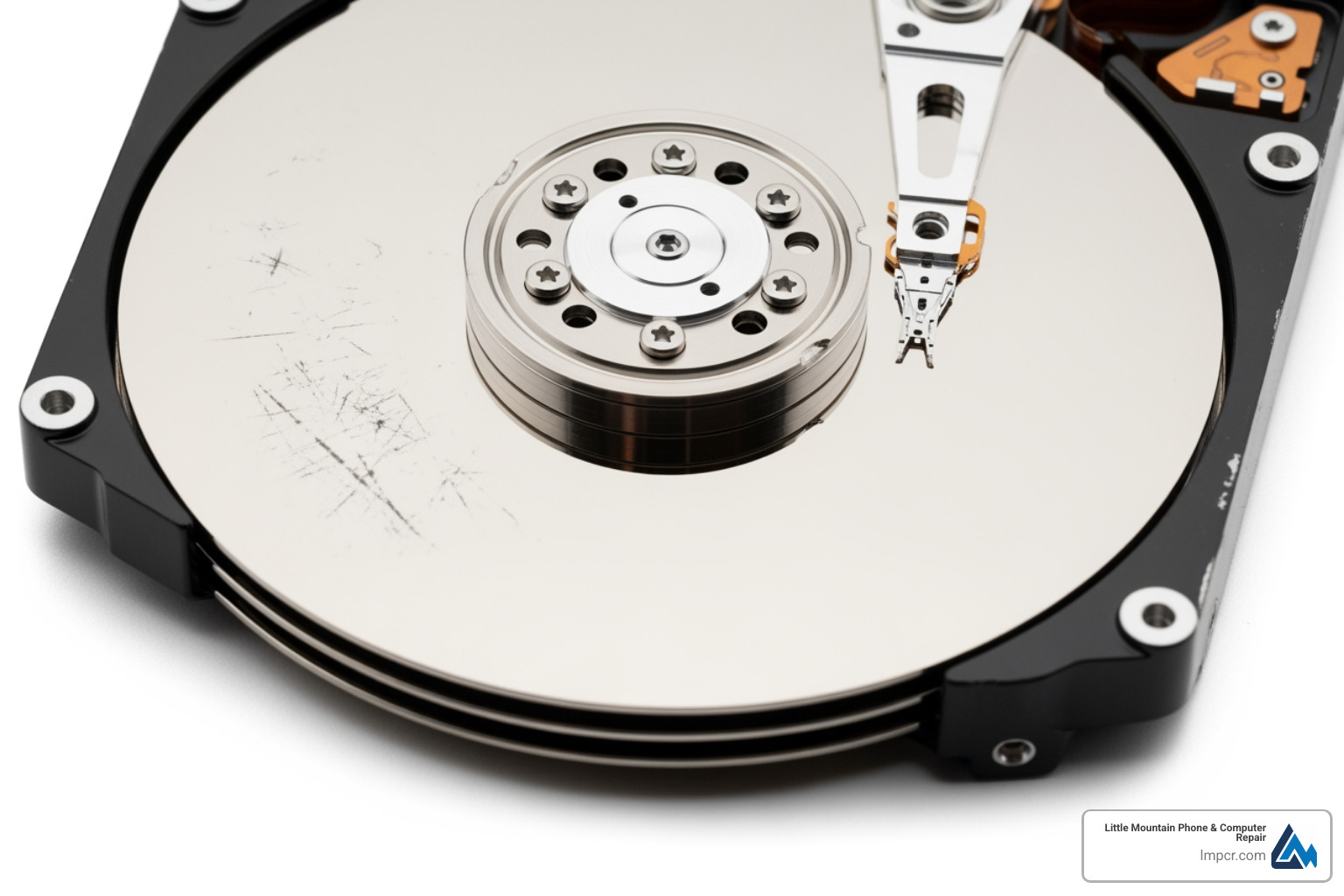
This is the “scary” one. Hard disk drives (HDDs) have moving parts—spinning platters and tiny read/write heads that hover nanometers above the surface. If your computer makes a clicking, grinding, or beeping sound, that’s a mechanical failure. In these cases, the drive is physically dying.
Sometimes the hardware is fine, but the “map” the computer uses to find your files gets scrambled. This can happen due to an improper shutdown, a software glitch, or a failing operating system. You might see messages saying the drive needs to be formatted or that the file system is “RAW.”
We’ve all been there. You thought you were clearing out the “Downloads” folder, but you accidentally grabbed your “Tax Returns” folder instead. Or perhaps you reformatted the wrong USB drive. The good news? When you delete a file, the computer usually just marks that space as “available.” The data is often still there until it’s overwritten by something new.
Malware can delete files, corrupt your boot sector, or—in the case of ransomware—encrypt your entire life and demand a fee. Professional Data Recovery: How to Protect Your Valuable Files strategies are essential here to bypass these malicious locks.
Lake County is no stranger to summer storms. A sudden power surge can fry the Printed Circuit Board (PCB) on your hard drive or damage the delicate chips inside a Solid State Drive (SSD).
Immediate Step: Shut the device down. Unplug it. This freezes the state of the drive and gives us the best possible chance of a 96% success rate during the recovery process.
When you bring your device to a professional for computer recovery near me, we follow a strict technical protocol to ensure data integrity. We don’t just “plug it in and see.”
| Level | Description | Technique |
|---|---|---|
| Level 1 | Simple Deletions | Software-based extraction of “marked” deleted files. |
| Level 2 | Logical Damage | Repairing corrupted partition tables or file systems. |
| Level 3 | Firmware/Imaging | Bypassing bad sectors or repairing the drive’s internal “OS.” |
| Level 4 | Physical Repair | Replacing heads or PCBs in a cleanroom environment. |
Not all repair shops are created equal. When browsing the Computer Repair Category, look for these markers of quality:
We know the first question is always “How much?” and the second is “How long?”
Modern data storage comes in many flavors, and we handle them all. Whether it’s a legacy desktop in Madison or a brand-new MacBook Pro in Kirtland, the technology matters.
Can we recover data if it’s “locked”? Usually, yes!
If you aren’t able to drop off your device at one of our locations in Lake County, you might need to mail it in.
Whether you need Dell Laptop Repair, Lenovo Laptop Repair, or a general Laptop Repair Service, proper handling is the first step of a successful recovery.
It is tempting to download a $40 program and try it yourself. For a simple accidental deletion on a healthy drive, this might work. However, for most computer recovery near me scenarios, DIY is a massive risk.
Yes, in many cases. If the platters (where the data lives) aren’t shattered or severely scratched, we can perform a “head transplant.” This involves taking the read/write heads from an identical “donor” drive and installing them into yours inside a cleanroom. It’s a delicate, surgical procedure, but it works!
For a standard PC Repair Service involving data, expect 2 to 5 business days. Simple logical recoveries can sometimes be done in 24 hours. Complex physical recoveries depend on how long it takes to find a matching donor drive and how slowly the damaged drive “reads” the data.
We believe in a “No Data, No Charge” policy for the recovery fee itself. If we can’t get your files back, you shouldn’t have to pay for the recovery. You only pay for the initial diagnostic and any specialized parts (like donor drives) that you agreed to upfront.
Losing data feels like losing a part of your history or your livelihood. At Little Mountain Phone & Computer Repair, we’ve spent over 20 years helping our neighbors in Painesville, Mentor, Willoughby, and throughout Lake County get their digital lives back on track.
With our 30-minute average repair times for standard issues and our deep expertise in complex data retrieval, we provide a level of service that combines local care with world-class technology. Don’t let a “clicking” drive or an accidental “delete” be the end of the story.
If you’re looking for the best Data Backup & Recovery Service near you, stop by one of our locations or give us a call. We’ll perform a diagnostic, give you a straight answer, and do everything in our power to bring your files home. Remember: stop using the device, stay calm, and let the experts handle the rest.

Need Help?
© Big Hill Technologies, LLC. All Rights Reserved