-

-
Location:
1922 Mentor Ave, Painesville Twp.
Location:
1922 Mentor Ave, Painesville Twp.

Lost files on your Linux system can feel like a disaster. But often, it’s not the end of your data. The key is acting fast and following critical steps to maximize your chances of success.
Here’s what you should do immediately after data loss on Linux:
The world of linux file recovery can feel daunting, but with the right knowledge and tools, you can often bring those lost files back. As the Linux Documentation Project once put it, “You never know: one day, some of the information in here could save your bacon.” This guide will walk you through the essential steps and tools needed to recover your data, whether it’s accidentally deleted documents, photos, or files from a corrupted filesystem.
I’m Jay Baruffa, President of Tech Dynamix and the driving force behind Little Mountain Phone & Computer Repair, and I’ve seen countless critical data situations, including those requiring specialized linux file recovery. My team and I are dedicated to providing reliable IT solutions and helping our community recover what matters most.
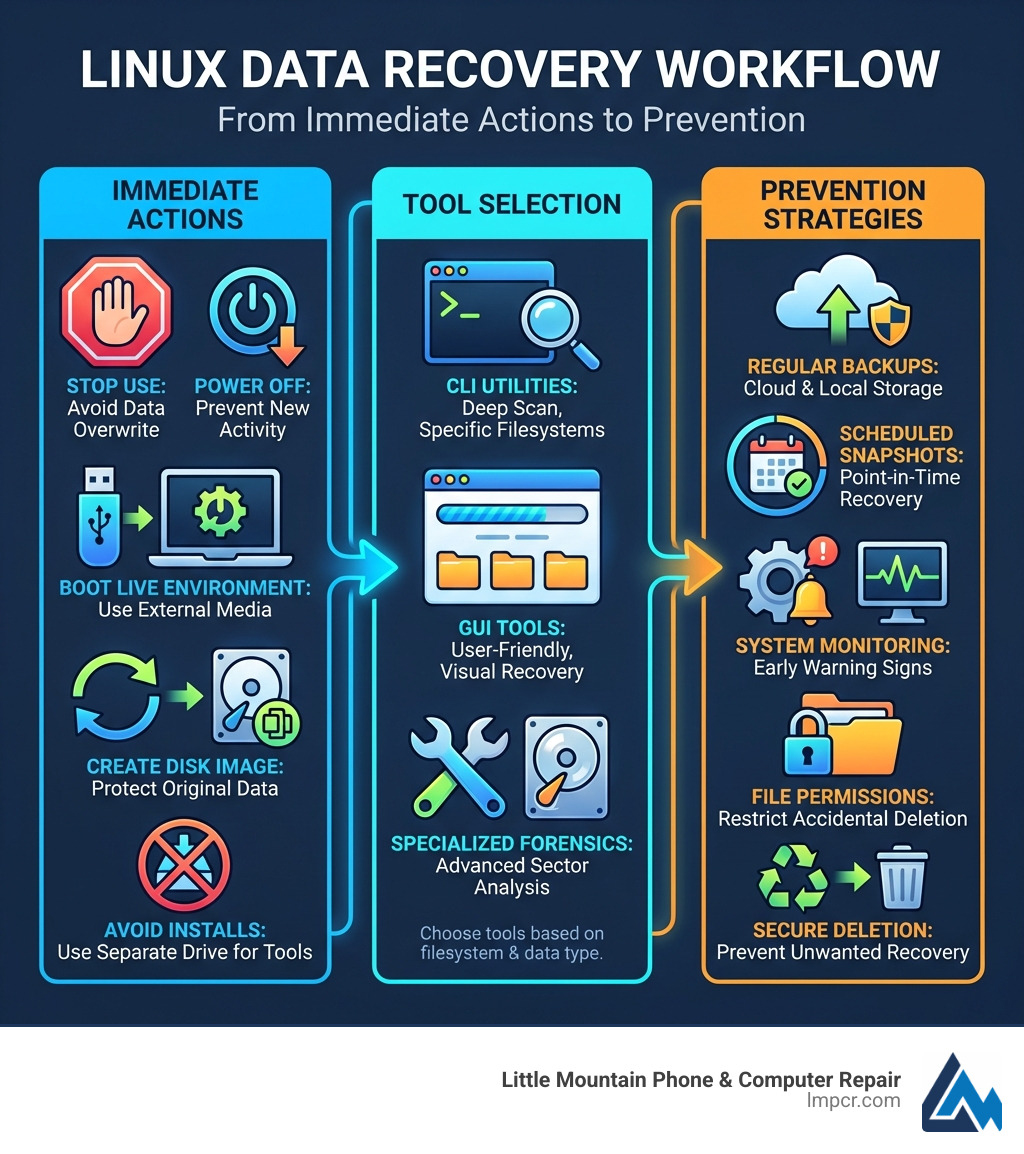
When you realize a file is gone, your adrenaline spikes. You want to start clicking and typing commands immediately. Take a deep breath! In linux file recovery, the first few minutes are the most critical.
Linux filesystems, especially the common Ext4, don’t actually “erase” your data the moment you hit delete or run rm. Instead, the system marks the space (the inodes and data blocks) as “free.” Think of it like a library where the index card for a book is thrown away, but the book is still sitting on the shelf. The problem is that the “librarian” (the Linux kernel) now thinks that shelf space is empty and might put a new book (new data) right on top of your old one. Once that happens, the original data is gone for good.
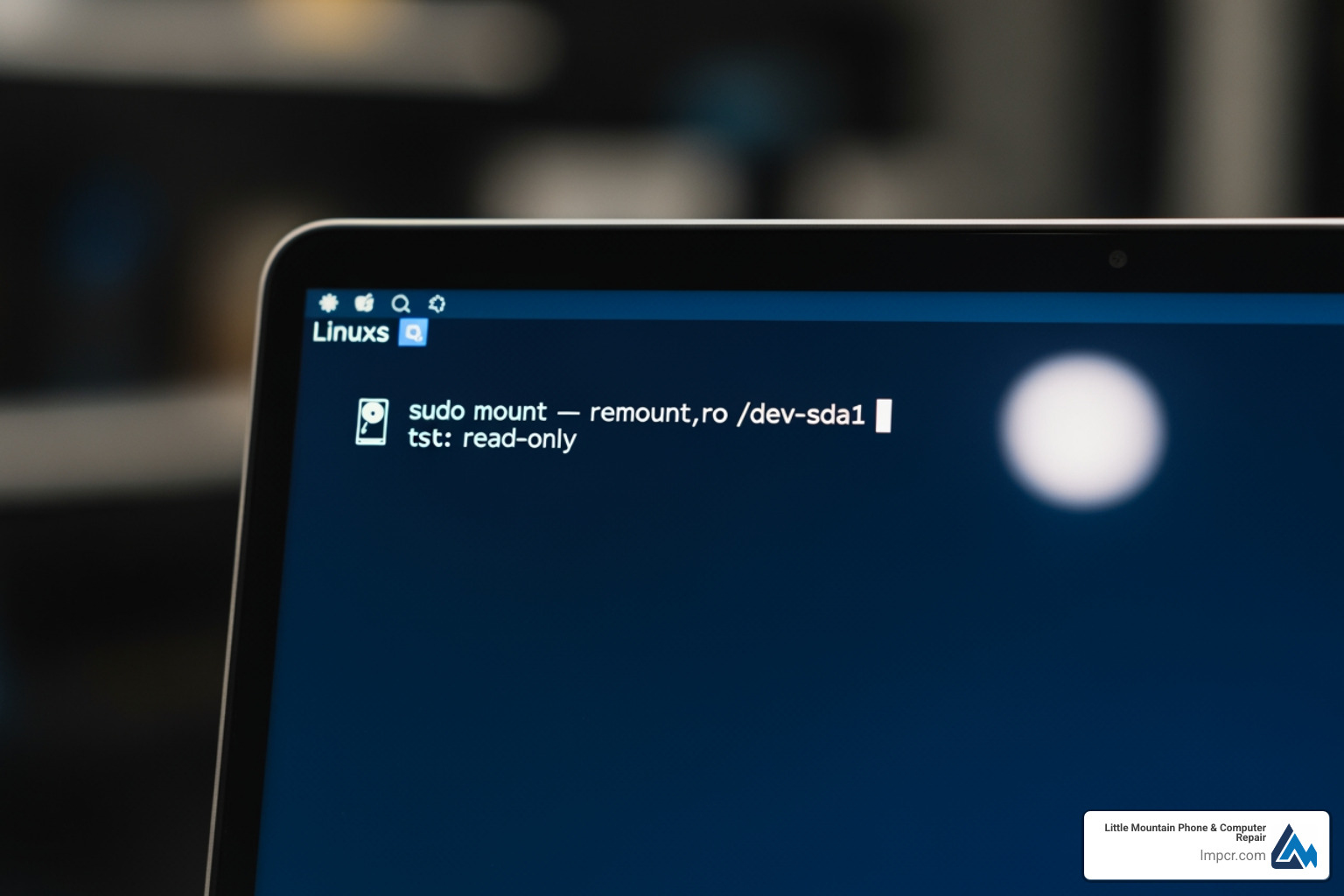
sudo mount -o remount,ro /dev/sdX1.Every second the system is running, it’s writing. System logs, background updates, and even browser cookies are constantly hitting the disk. If your deleted wedding photos happen to be in the “free” space the system chooses for a new log file, they are overwritten. This is why we tell our neighbors in Painesville and Mentor: if you lose data, stop what you’re doing and step away from the keyboard!
For a deeper dive into the technical side, check out the Data Recovery on the Ubuntu Wiki.
In the area of data recovery, it is best to work on images of disks rather than physical disks themselves. Generally, a failing drive’s condition worsens over time. The goal ought to be to first rescue as much data as possible as early as possible in the failure of the disk and to then abandon the physical drive.
We use tools like ddrescue for this. Unlike the standard dd command, which might give up and die the moment it hits a bad sector, ddrescue is smart. It keeps a logfile (or mapfile) and tries to grab the easy parts first, then goes back for the difficult, damaged sectors.
Basic ddrescue command:
sudo ddrescue /dev/sdX /mnt/external_drive/backup.img /mnt/external_drive/logfile
This creates a “forensic” copy of your drive. If you mess up a recovery command on the image, you can just make a new copy of the image and try again. You can’t do that with a physical drive that’s clicking its last breath. For more tips on keeping your data safe before disaster strikes, see our guide on how to protect your valuable files.
If your drive is experiencing hardware failure—maybe you dropped your laptop while walking through Kirtland Hills—every spin of the platter could be causing more damage. Attempting to run intensive recovery tools directly on a failing drive is like trying to run a marathon on a broken leg.
Once you have your disk image, it’s time to bring out the heavy hitters. Linux has some of the best open-source recovery tools in the world.
| Tool | Primary Use | Best For |
|---|---|---|
| TestDisk | Partition recovery | Deleted partitions, corrupted boot sectors |
| PhotoRec | File carving | Images, videos, documents from any FS |
| R-Linux | Filesystem recovery | Ext2/Ext3/Ext4 specific recovery |
TestDisk is a powerful tool designed to recover lost partitions and make non-booting disks bootable again. If you accidentally deleted a partition while messing with GParted, TestDisk is your best friend.
It works by scanning the disk’s surface and looking for the “signatures” of partitions. It can repair the Partition Table, recover deleted partitions from FAT, NTFS, and Ext2/3/4, and even rebuild boot sectors. It’s an interactive terminal tool, so it’s relatively easy to use if you follow the TestDisk step-by-step guide.
Don’t let the name fool you—PhotoRec does much more than just photos. It is a “file carver.” It ignores the filesystem entirely and looks at the raw data blocks. If it sees a header that says “I am a JPEG,” it grabs everything until it sees the footer that says “end of JPEG.”
f12345.jpg. You’ll need to sort through them later, but at least you have the data! Check the PhotoRec file formats list to see if your specific file type is supported.If you are dealing with the standard Linux filesystems (Ext3 or Ext4), you have some specialized options that can sometimes recover files with their original filenames intact—something PhotoRec can’t do.
Tools like extundelete and ext4magic use the filesystem’s journal to find deleted files.
sudo extundelete /dev/sdX1 --restore-allIf you only lost a plain text file (like a script or a configuration file), you might not even need a recovery tool. You can search the raw disk device directly using grep.
The command looks like this:
sudo grep -a -C 200 -F 'Unique string in my lost file' /dev/sdXN > output.txt
This command tells Linux to look at the drive as a text file (-a), find a unique string you remember from the file, and grab 200 lines of context around it. It’s a bit like finding a needle in a haystack by burning the hay, but it works surprisingly well for code and documents.
While tools like debugfs were the gold standard for Ext2, they have major limitations today. In Ext3 and Ext4, once an inode is released (the file is deleted), the data block pointers are often cleared. This makes debugfs much less effective for modern linux file recovery.
Success rates depend heavily on:
For a comprehensive list of what different tools can and cannot do, check the Wikipedia list of data recovery software.
We love the DIY spirit in Lake County. Many of our customers in Willoughby and Chardon are tech-savvy folks who want to fix things themselves. But sometimes, a software tool isn’t enough.
If you hear a clicking, grinding, or whirring sound coming from your computer, stop immediately. This is a physical head crash. No software in the world can fix a physical scratch on a disk platter. In fact, every time you try to run a recovery tool on a clicking drive, you are grinding the data into dust.
You should seek professional help if:
Professional labs use cleanrooms and specialized hardware (like PC-3000) to bypass failing components. Industry giants like Ontrack have recovered over 120 Petabytes of data over 40 years—they’ve seen it all. If you’re in Lake County and unsure if your drive is physically failing, bring it into Little Mountain Phone & Computer Repair. We can help you diagnose the issue before you make it worse.
One of the best things about Linux is that it’s a “Universal Donor.” You can use a Linux Live USB to recover files from a Windows NTFS or exFAT partition.
chkdsk on a disk image of a Windows drive.It is very difficult. TRIM is a feature where the OS tells the SSD which blocks are no longer in use so the SSD can “clean” them. Once a block is TRIMmed, the data is usually gone. However, if you pull the power immediately, you might beat the TRIM command.
Download an ISO like SystemRescue, use a tool like “Etcher” or dd to put it on a USB stick, and boot your computer from that stick. This prevents your local hard drive from mounting its filesystems, keeping the deleted data safe from being overwritten.
Yes, but it’s harder. Command-line rm bypasses the “Trash” bin that your desktop environment (like GNOME or KDE) uses. You’ll need to use the tools we discussed, like PhotoRec or extundelete, to get them back.
At Little Mountain Phone & Computer Repair, we know that your data is your life—whether it’s business spreadsheets in Eastlake or family photos in Madison. With over 20 years of experience, we’ve helped our neighbors through every imaginable data disaster.
While the tools for linux file recovery are powerful, the best recovery strategy is a good backup. We recommend the “3-2-1” rule: 3 copies of your data, on 2 different media types, with 1 copy off-site.
If you’ve tried the DIY route and it’s not working, or if your drive is making scary noises, don’t risk it. We offer expert data backup and recovery services with a quick average turnaround. Visit us in Painesville or any of our Lake County locations, and let us help you resurrect your lost files!

Need Help?
© Big Hill Technologies, LLC. All Rights Reserved

