-

-
Location:
1922 Mentor Ave, Painesville Twp.
Location:
1922 Mentor Ave, Painesville Twp.
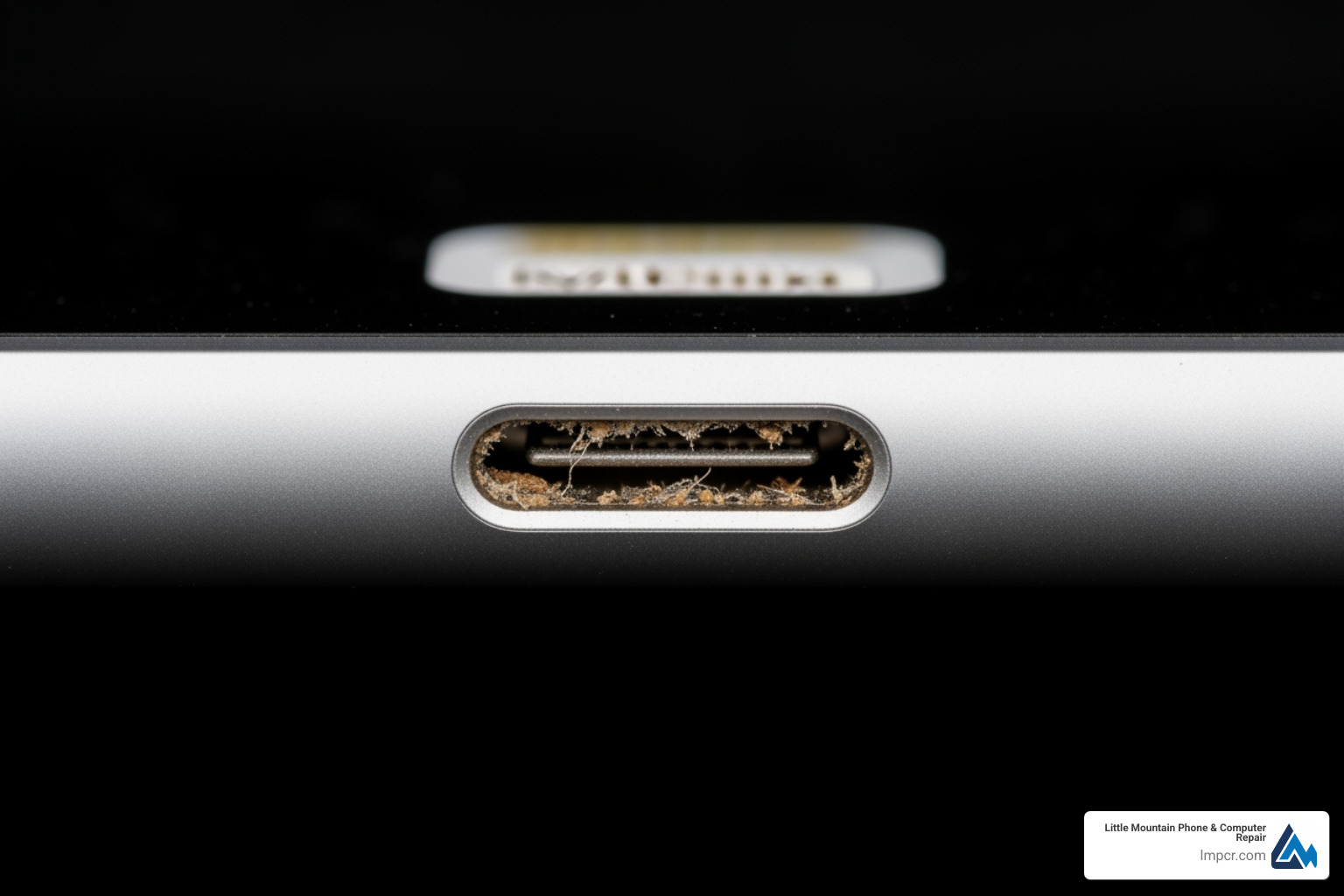
It happens to the best of us: you plug in your iPad after a long day, and… nothing. No chime, no green battery icon, just a black screen staring back at you. Before you assume your iPad has joined the great tech graveyard in the sky, it’s important to recognize the specific signs of a failing port.
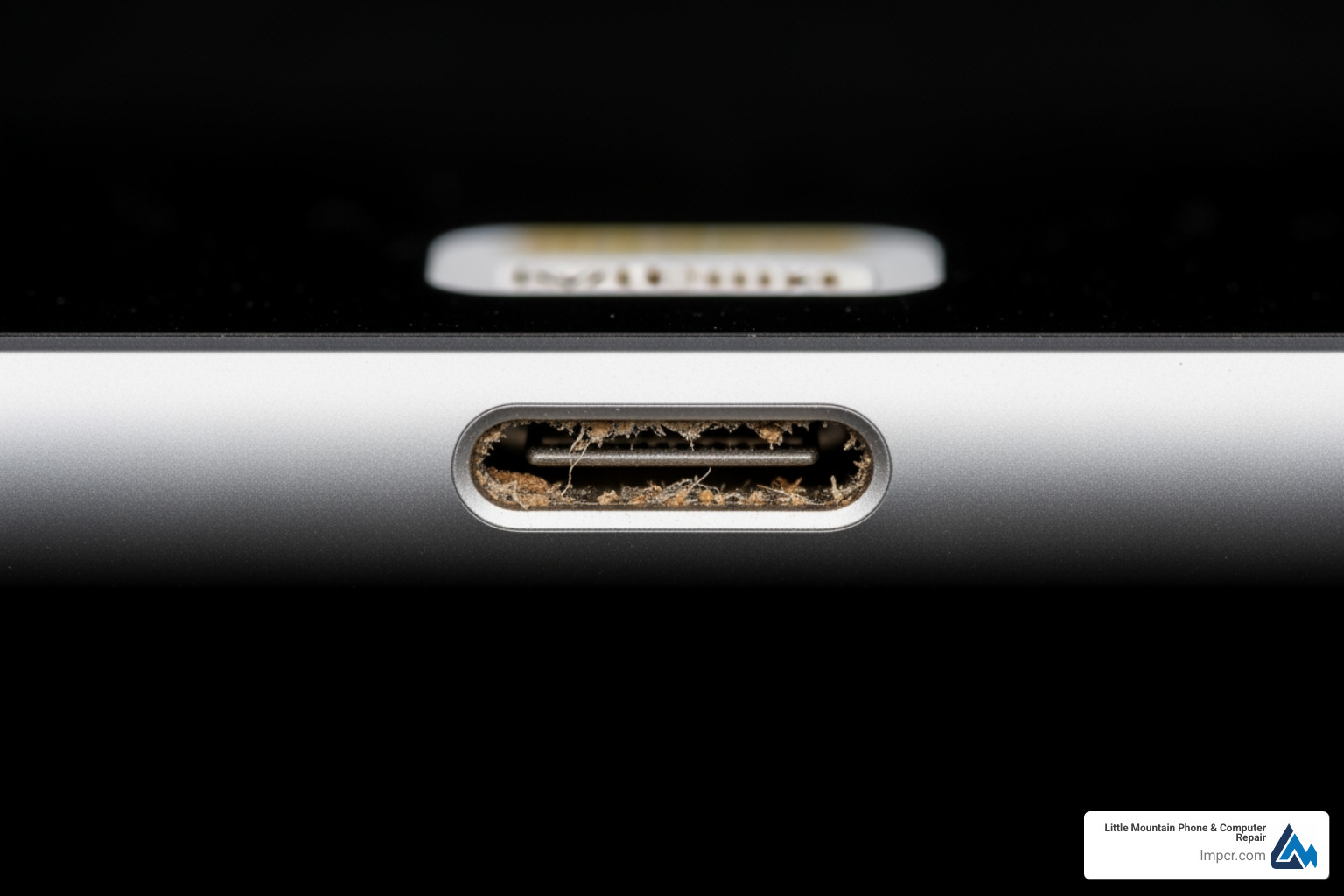
Common symptoms include:
If you are unsure if your device is still under its original manufacturer protection, you can check your warranty status to see if you have active coverage. For those out of warranty, you can find more info about tablet repair services at our local shops.
Before driving down to see us in Painesville or Mentor, try these quick home fixes:
Sometimes the port is fine, but the battery is simply exhausted. Lithium-ion batteries have a limited lifespan. If your iPad turns on but dies quickly, or if the back of the iPad feels swollen, it is likely a battery issue. Apple generally considers a battery “consumed” when it holds less than 80% capacity.
You can review your device’s warranty documentation to see how battery vs. port defects are handled. If the iPad won’t turn on at all even after being plugged in for an hour, the issue could be the port, the battery, or even a “Tristar” chip failure on the logic board. Our experts use specialized meters to see exactly how many amps your iPad is pulling to diagnose the root cause in minutes.
When DIY cleaning fails, you have two main paths: seeking a professional repair from a local specialist like Little Mountain Phone & Computer Repair or contacting the original manufacturer.
At Little Mountain, we pride ourselves on transparency. Unlike some big-box retailers that might ship your device away for weeks, we handle most repairs right here in Lake County.
| Service Feature | Little Mountain Phone & Computer Repair | Apple (Out-of-Warranty) |
|---|---|---|
| Average Price | $75 – $199 | $250 – $999+ |
| Repair Time | ~30-60 Minutes | 3-7 Days |
| Diagnostics | Free | Varies |
| Part Quality | High-Quality/OEM Spec | Genuine Apple |
| Data Safety | Data preserved | Often wiped/exchanged |
For a more detailed breakdown, you can find more info about iPad repair on our dedicated service page. We serve neighbors from Chardon to Wickliffe, ensuring you don’t have to travel far for expert help.
If you’d like a neutral explainer on why ports fail (wear, debris, and mechanical stress), see this overview of the USB-C connector (relevant for newer iPads) and the background on Lightning (connector)) (relevant for many older models).
The cost of an iPad charging port repair typically falls between $75 and $250. Why the big range? It comes down to the model.
You can Get an estimate for iPad service to see exactly what your specific model will cost.
We know you need your device back. While some manufacturers often opt to “exchange” your iPad for a refurbished unit (which can take days and results in data loss), we aim for same-day service. In fact, our average repair time is just 30 minutes for many common issues.
We stand behind our work with a comprehensive warranty. While standard manufacturer service guarantees are often limited to 90 days, we often provide a 1-year limited warranty on the parts we install. Before we hand your device back, we run a full diagnostic to ensure the port syncs data to a computer and pulls the correct amperage. You can Read the Repair Terms and Conditions for full details on our service promises.
With the rise of “Right to Repair,” many users are tempted to buy a $30 kit online and try the fix themselves. While we admire the “can-do” spirit, iPads are notoriously difficult to open.
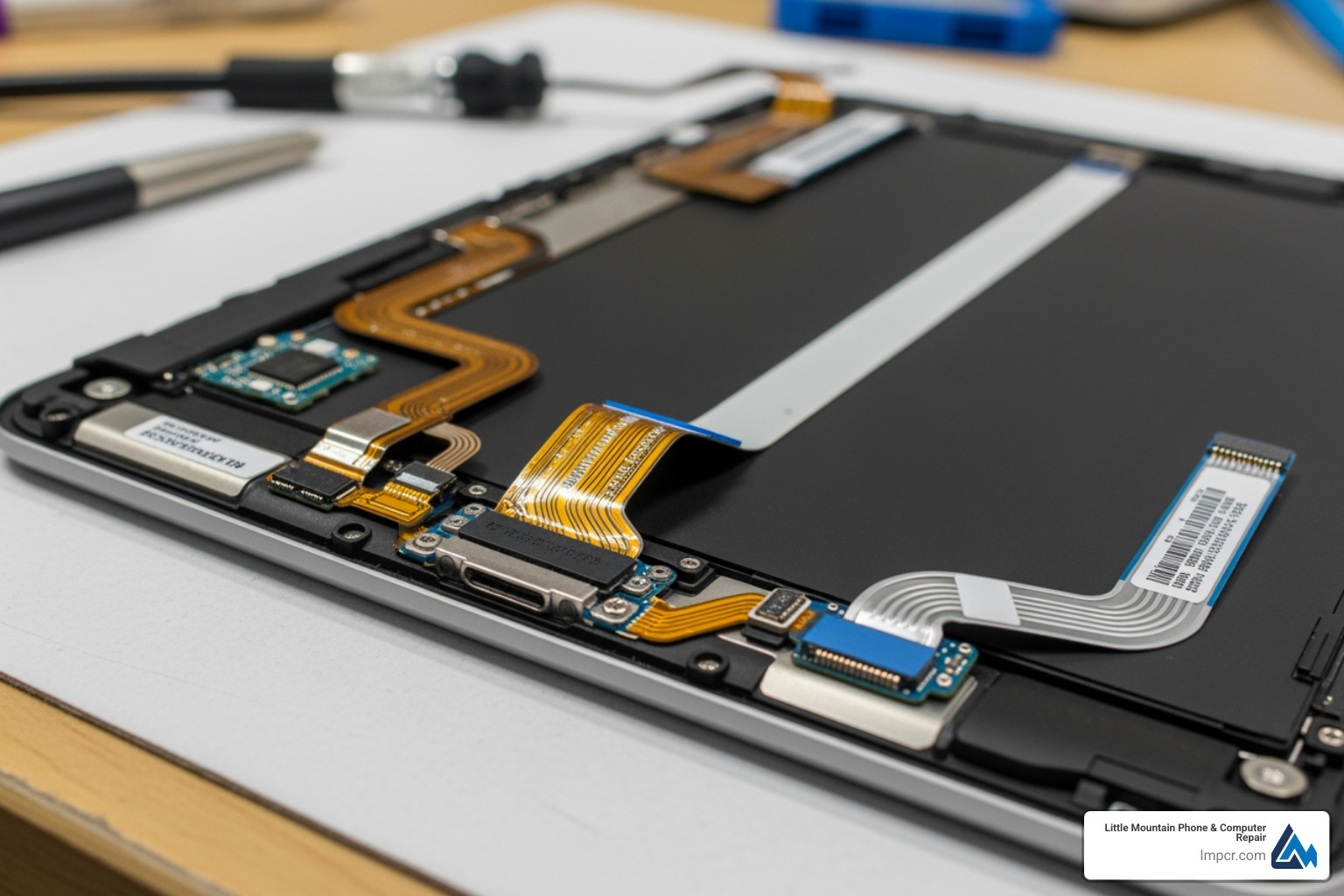
Unlike iPhones, which are held together with screws, iPads are held together with incredibly strong industrial adhesive. To get to the charging port, you must:
For many, the $100 saved in labor isn’t worth the $400 risk of a broken screen. If you’re feeling unsure, checking more info about iPad repair services might convince you that professional help is the more economical choice in the long run.
If you are determined to DIY, you will need:
Crucial Step: Always backup your data to iCloud or a computer before starting. Also, remember to turn off “Find My iPad” so the technician (or you) can fully test the device. Finally, please dispose of your old parts responsibly at an R2-certified e-waste recycler in Lake County.
The best iPad charging port repair is the one you never have to do. Most port failures are preventable with a few habit changes.
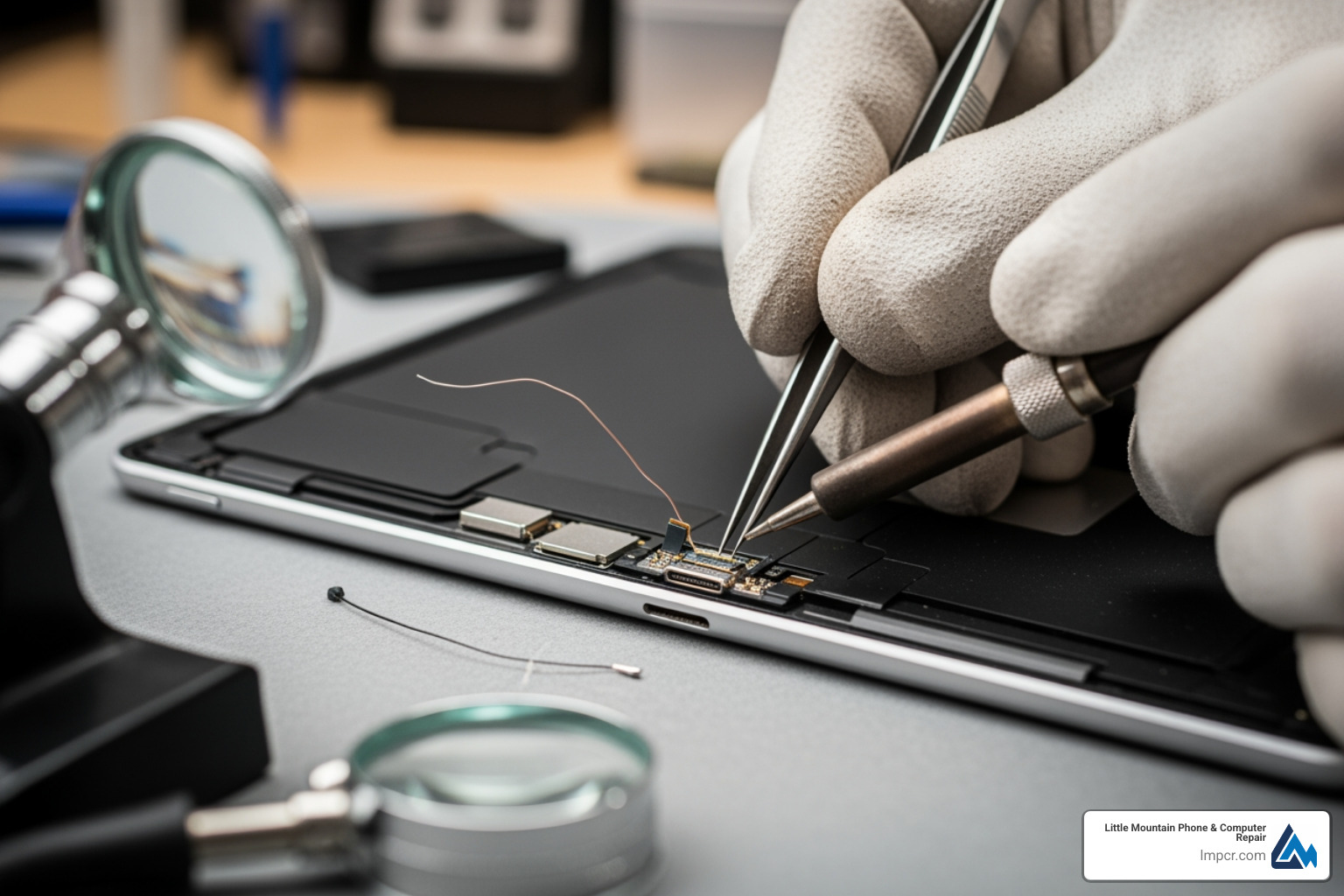
Not all cables are created equal. Cheap “gas station” cables often have slightly off-spec dimensions. If the connector is even a fraction of a millimeter too large, it will stretch the port’s internal springs. Over time, this leads to that “wobbly” feeling.
Check out more info about general repair services to see how we help maintain device longevity.
If you work in a dusty environment (like a workshop or a construction site in Willoughby), a simple silicone port plug can keep sawdust and lint out. Keeping your device in a clean case and avoiding using it in high-humidity areas can also prevent the oxidation that leads to charging failures.
Depending on the model, expect to pay between $75 and $250. Older iPads with Lightning ports are generally on the lower end, while iPad Pros with USB-C ports or soldered components are on the higher end. This is significantly cheaper than out-of-warranty replacement fees from the manufacturer, which can exceed $500.
At Little Mountain Phone & Computer Repair, we aim for a 30-minute average for most tablet repairs. While some complex models might take a few hours to allow the new adhesive to set properly, we strive for same-day service so you aren’t without your digital life.
Yes, but be careful! Use non-conductive tools like a plastic pick or a dry toothbrush. Avoid compressed air, as it can actually drive debris deeper into the device or damage the microphone membranes located near the port. If a gentle cleaning doesn’t work, don’t force it–bent pins are much harder to fix than a dirty port.
A broken charging port doesn’t have to mean the end of your iPad’s journey. Whether it’s a simple cleaning or a full component replacement, getting your device back to 100% is often faster and more affordable than you think.
At Little Mountain Phone & Computer Repair, we bring over 20 years of experience to every repair. Serving the communities of Painesville, Mentor, Willoughby, and beyond, we offer comprehensive solutions with a focus on speed and quality. Don’t let a “Not Charging” icon ruin your day—our expert technicians are ready to help.
Ready to get your iPad back in action? Schedule your iPad repair today and experience the 30-minute average repair difference!

Need Help?
© Big Hill Technologies, LLC. All Rights Reserved

