-

-
Location:
1922 Mentor Ave, Painesville Twp.
Location:
1922 Mentor Ave, Painesville Twp.
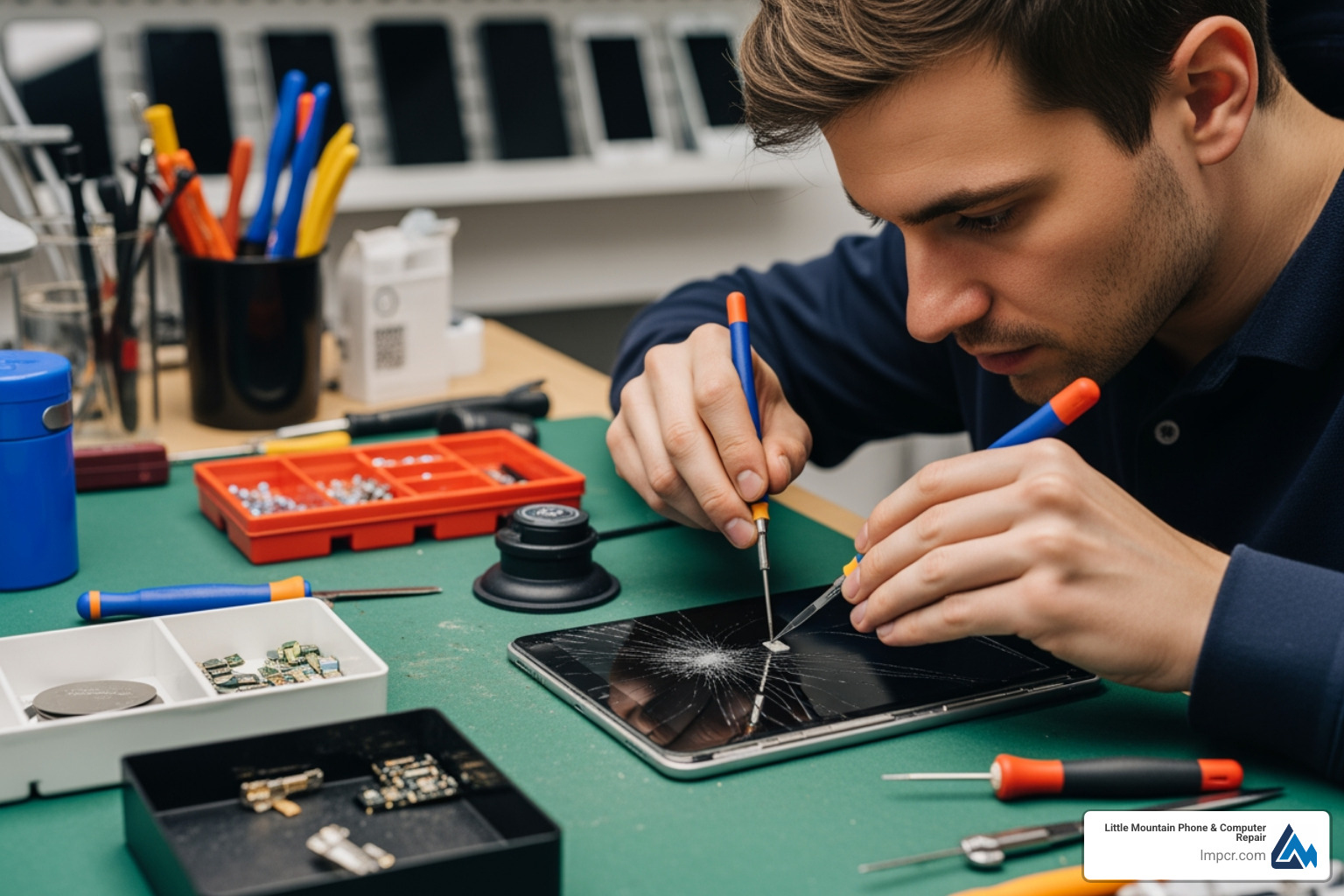
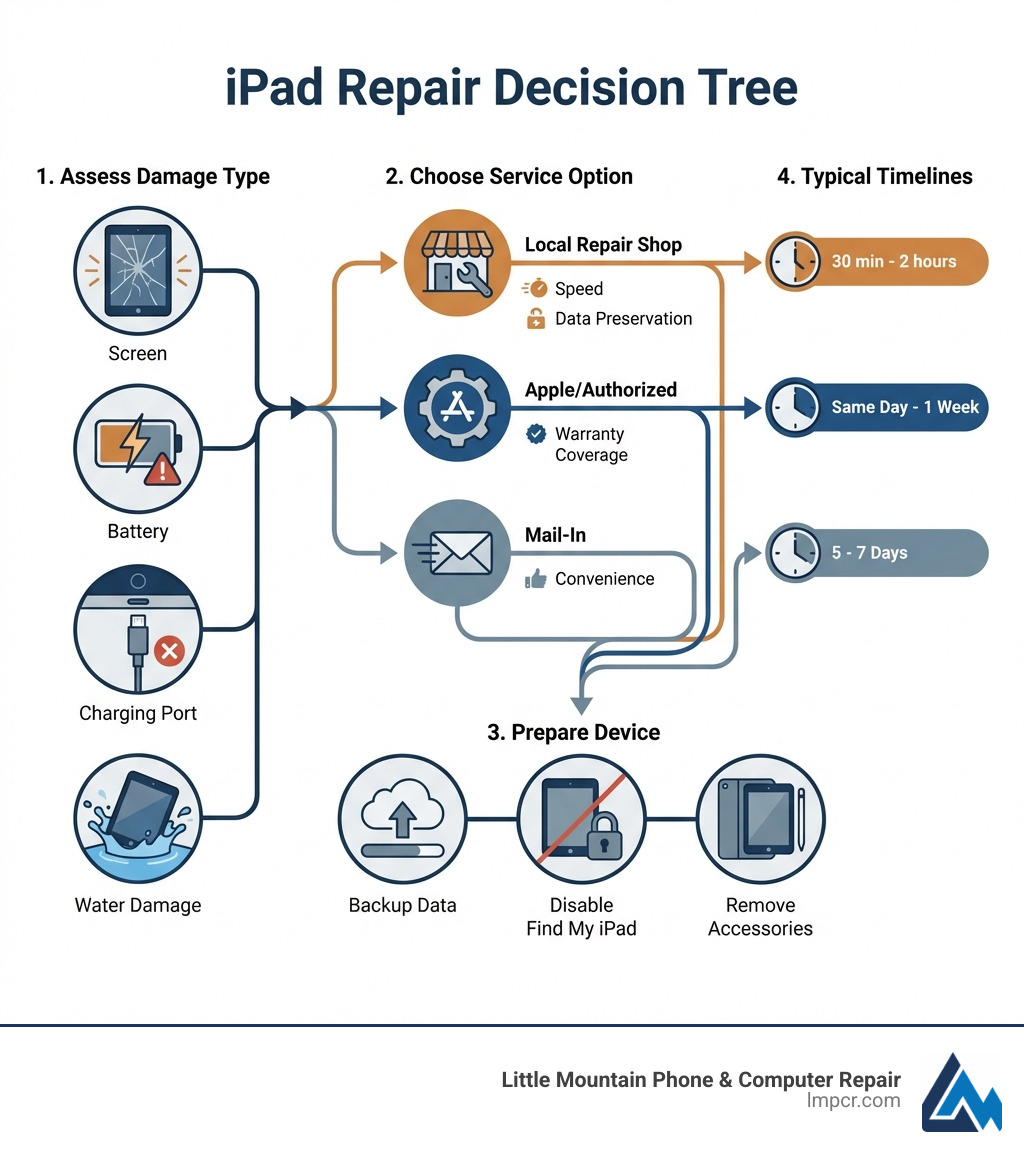
iPad repair service is available through three main options: local repair shops like Little Mountain Phone & Computer Repair (fastest, often 30-minute turnaround), authorized Apple service providers (genuine parts but often full device replacement), and mail-in services (5-7 business days). Key considerations include:
Whether you’ve dropped your iPad from a great height, experienced a coffee accident, or simply have a battery that won’t hold a charge anymore, you need help—and fast. Your iPad isn’t just a tablet. It’s your connection to work emails, your kids’ homework portal, your video chat lifeline to family, and your weekend entertainment hub.
When your iPad breaks, your day stops.
The good news? You have options. The challenge? Figuring out which repair path makes sense for your situation and budget. Apple’s official repair process often means replacing your entire device at flat-rate fees that can approach the cost of a new iPad. Independent repair shops offer component-level fixes that preserve your data and save money. Mail-in services provide nationwide convenience. And now, with Apple’s Self Service Repair program supporting 65 products, some tech-savvy users can even tackle repairs themselves.
But here’s what most people don’t realize: not all iPad repairs are created equal. The shop you choose, the parts they use, and their repair approach can mean the difference between getting your device back in 30 minutes versus waiting a week—or between a $99 screen fix and a $500+ replacement.
As Jay Baruffa, President of Little Mountain Phone & Computer Repair in Painesville, Ohio, I’ve spent years helping customers navigate these exact decisions and delivering fast, reliable iPad repair service that gets people back to their lives. Whether you need a cracked screen fixed, a dying battery replaced, or a charging port cleaned, understanding your options helps you make the right choice.
Before you rush out to find an iPad repair service, it helps to know exactly what you’re dealing with. Over our 20+ years of experience in Lake County, we’ve seen it all. iPads are beautifully designed, but their thin, lightweight frames make them susceptible to specific types of damage.
This is the “classic” iPad injury. Because iPads have such large surface areas of glass, a single drop on a hard surface in Mentor or Willoughby can result in a spiderweb of cracks. There are actually two layers to consider: the outer glass (digitizer) and the inner display (LCD).
If you’ve owned your tablet for a few years, you might notice it dying at 20% or needing to stay plugged in constantly. This is natural chemical aging. However, a more serious issue is battery expansion. As batteries fail, they can physically swell, pushing against the screen from the inside. If you see your screen “lifting” or a yellow tint appearing in the center of the display, stop using it immediately—this can actually break the glass from the inside out! You can find more Tablet repair categories on our site to see how we handle these delicate situations.
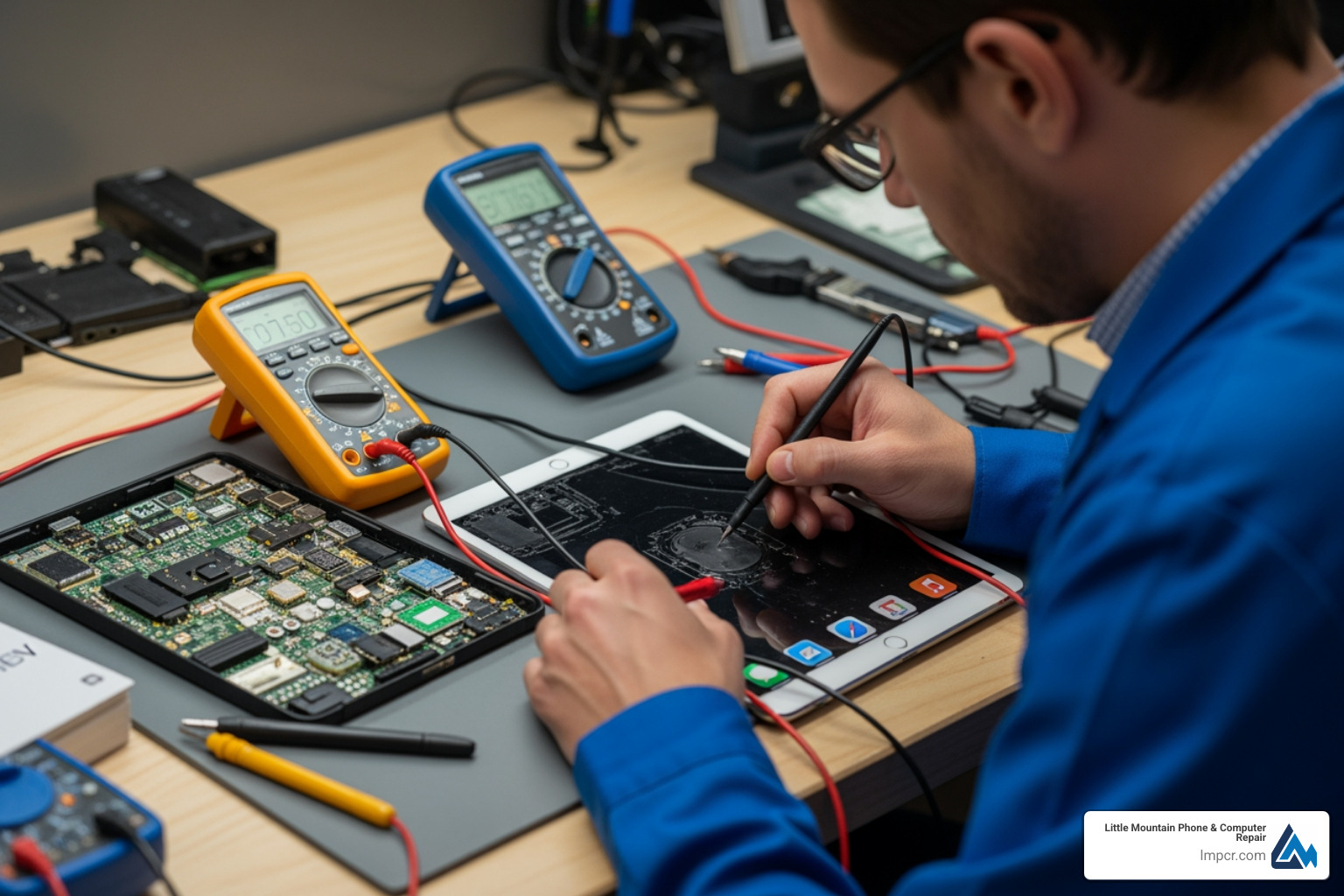
Is your iPad “finicky” about how the cable sits? Often, this isn’t a broken port but a buildup of pocket lint, dust, or debris. However, if the internal pins are bent or broken, you’ll need a professional iPad repair service to solder a new port onto the board. We also frequently see Wi-Fi and Bluetooth connectivity issues, which can stem from dropped internal antennas or software glitches.
The “coffee accident” is real. Whether it’s a spill during a morning meeting in Chardon or a splash by the pool in Fairport Harbor, liquid is the enemy of iPad logic boards. Unlike some phones, iPads are not waterproof. If yours gets wet, don’t put it in rice! Rice doesn’t pull moisture out of sealed electronics; it just gets stuck in the ports. Bring it to us for a professional cleaning before the corrosion sets in.
When your device goes dark, you have a choice to make. Do you go to the big corporate store, or do you trust a local expert? In Lake County, Ohio, we pride ourselves on being that local expert.
Choosing a shop isn’t just about the lowest price—it’s about the warranty and the parts. While Apple typically offers a 90-day warranty on their “repairs” (which are usually just replacements), we offer a more robust guarantee because we believe in our work.
| Feature | Little Mountain Phone & Computer Repair | Apple Store / Authorized | Mail-in Services |
|---|---|---|---|
| Average Speed | 30 – 60 Minutes | Same Day to 1 Week | 5 – 7 Business Days |
| Data Safety | Preserved (Component Fix) | Often Wiped (Device Swap) | Preserved |
| Warranty | Up to Lifetime Options | 90 Days | 1 Year |
| Parts Quality | OEM-Spec / Top Quality | Genuine Apple | Varies by Provider |
| Price | Competitive & Transparent | High Flat-Rate Fees | Affordable |
Budget is always a concern. For a standard iPad repair service, screen fixes generally start at $99. However, costs vary wildly depending on your model. An iPad Mini repair is different from an iPad Pro 12.9-inch screen replacement, which uses much more expensive display technology.
If you have AppleCare+, your incident fee might be as low as $49. If you aren’t sure of your status, you should Check your Apple coverage before making a decision. For those out-of-warranty, Apple’s fees can range from $259 for an older Mini to over $900 for the newest Pro models. We aim to provide a more affordable middle ground by fixing what is actually broken rather than charging you for a whole new iPad.
Why come to us in Painesville or Mentor?
Whether you are dropping your device off at our shop or using a mail-in iPad repair service, preparation is key to a smooth experience.
This is the golden rule. While we strive for 100% data preservation, electronics can be unpredictable. Use iCloud or plug your iPad into a computer to run a full backup. If your screen is totally black and you can’t back it up, don’t panic—our Data recovery services can often help even when the device won’t turn on.
Apple has a security feature called Activation Lock. If this is on, we (and even Apple) cannot perform certain diagnostic tests. Go to Settings > [Your Name] > Find My and toggle it off. You will need your Apple ID password to do this.
Take off your favorite heavy-duty case and remove any Apple Pencils or keyboard attachments. If you’re comfortable, remove your passcode or be prepared to share it with the technician so they can test the cameras, Wi-Fi, and touch functionality after the repair.
If you aren’t near our Painesville or Mentor locations, you might choose a mail-in option.
There is a major philosophical difference in the iPad repair service world. Apple’s business model is built on efficiency. For them, it is faster to take your broken iPad, send it to a central factory, and hand you a “Refurbished” unit from a box.
The Downside of Replacement:
At Little Mountain Phone & Computer Repair, we specialize in component-level repair. This means if your screen is broken, we replace the screen. If your battery is dead, we replace the battery. We use high-quality parts that meet or exceed OEM specifications, ensuring your iPad feels and functions just like it did the day you bought it.
This is a common concern! In the United States, the Magnuson-Moss Warranty Act generally protects consumers. Simply having a third party like us perform a repair doesn’t “void” your entire warranty. However, if a third-party repair causes damage, Apple can deny coverage for that specific issue. If you are still within your first year of purchase and have a manufacturing defect, you should Read the Apple Limited Warranty to see if they will fix it for free. For accidental damage, third-party shops are often the most cost-effective route.
While we pride ourselves on a 30-minute average, it depends on the model.
We take data privacy very seriously. Unlike big-box stores that might require a factory reset as part of their “policy,” we work around your data. We only access the functions needed to test the repair (like the camera or touch screen). We always recommend a backup just to be safe, but in the vast majority of cases, your iPad will come back with every photo and message exactly where you left it.
A broken iPad can feel like a disaster, but it doesn’t have to be. Whether you’re in Painesville, Mentor, Willoughby, or Chardon, you have access to world-class iPad repair service right in your backyard.
With over 20 years of experience and a commitment to 30-minute average repair times, Little Mountain Phone & Computer Repair is here to ensure that a cracked screen or a dead battery is just a minor speed bump in your day. Don’t settle for high flat-rate fees and data loss—choose the local experts who treat your device like their own.
Ready to get back to work (or play)? Schedule your iPad repair service with us today and let our expert technicians bring your device back to life!

Need Help?
© Big Hill Technologies, LLC. All Rights Reserved

