-

-
Location:
1922 Mentor Ave, Painesville Twp.
Location:
1922 Mentor Ave, Painesville Twp.
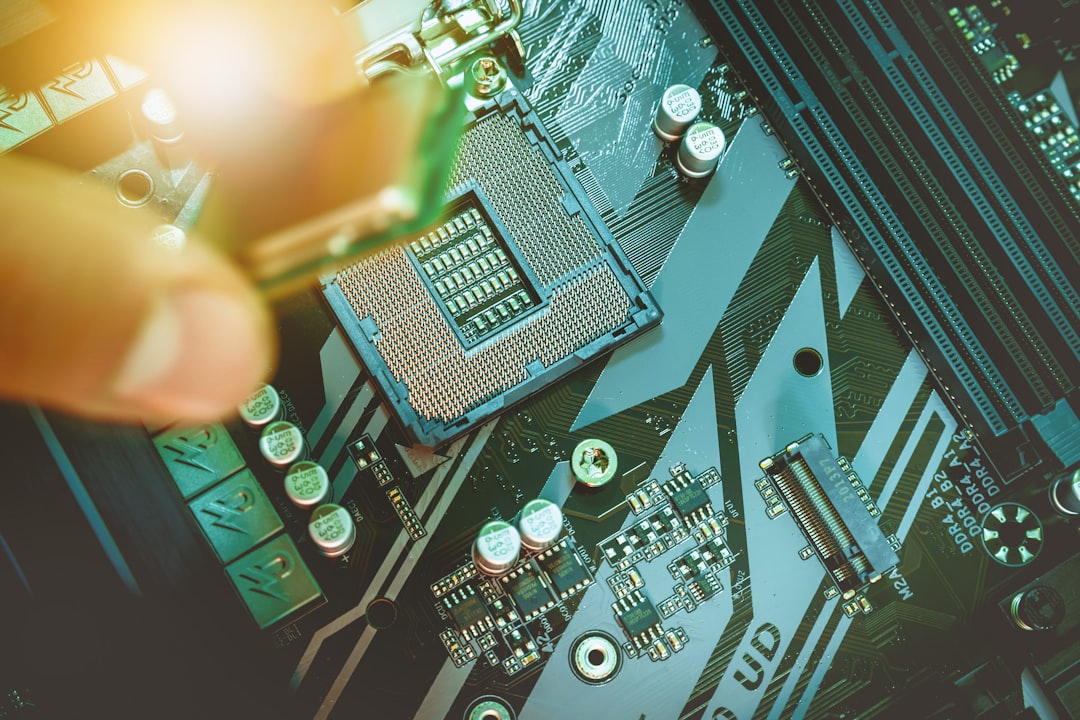
Computer board repair involves diagnosing and fixing printed circuit boards (PCBs) at the component level. Instead of replacing an entire motherboard, technicians fix specific parts like capacitors, connectors, or power-management ICs, restoring functionality at a fraction of the cost.
When a board problem is misdiagnosed, people often get pushed toward a full replacement even though only one small failure is stopping the entire system. A single shorted capacitor can keep a laptop from powering on. A damaged charging circuit can make a perfectly good device look “dead.” Component-level computer board repair focuses on the actual point of failure so you are not paying for parts that are still good.
Key benefits of computer board repair:
Common devices that benefit:
Board issues do not always look like obvious physical damage. In many cases, the device fails intermittently, which is exactly when a skilled diagnosis matters most. Typical signs include:
The motherboard is the central hub of any electronic device. When it fails, the system stops. Modern boards often have integrated components soldered directly to them, making DIY fixes difficult. Professional technicians use microscopes and precision soldering to identify and replace failed components like blown capacitors, cracked solder joints, damaged ports, or power-delivery faults.
At Little Mountain Phone & Computer Repair, we help Lake County residents restore their devices through expert computer board repair, saving money and reducing waste. Our team handles everything from basic capacitor replacement to advanced microsoldering. Even when we cannot safely repair a board, we can usually confirm the root cause and help you make an informed decision about next steps.
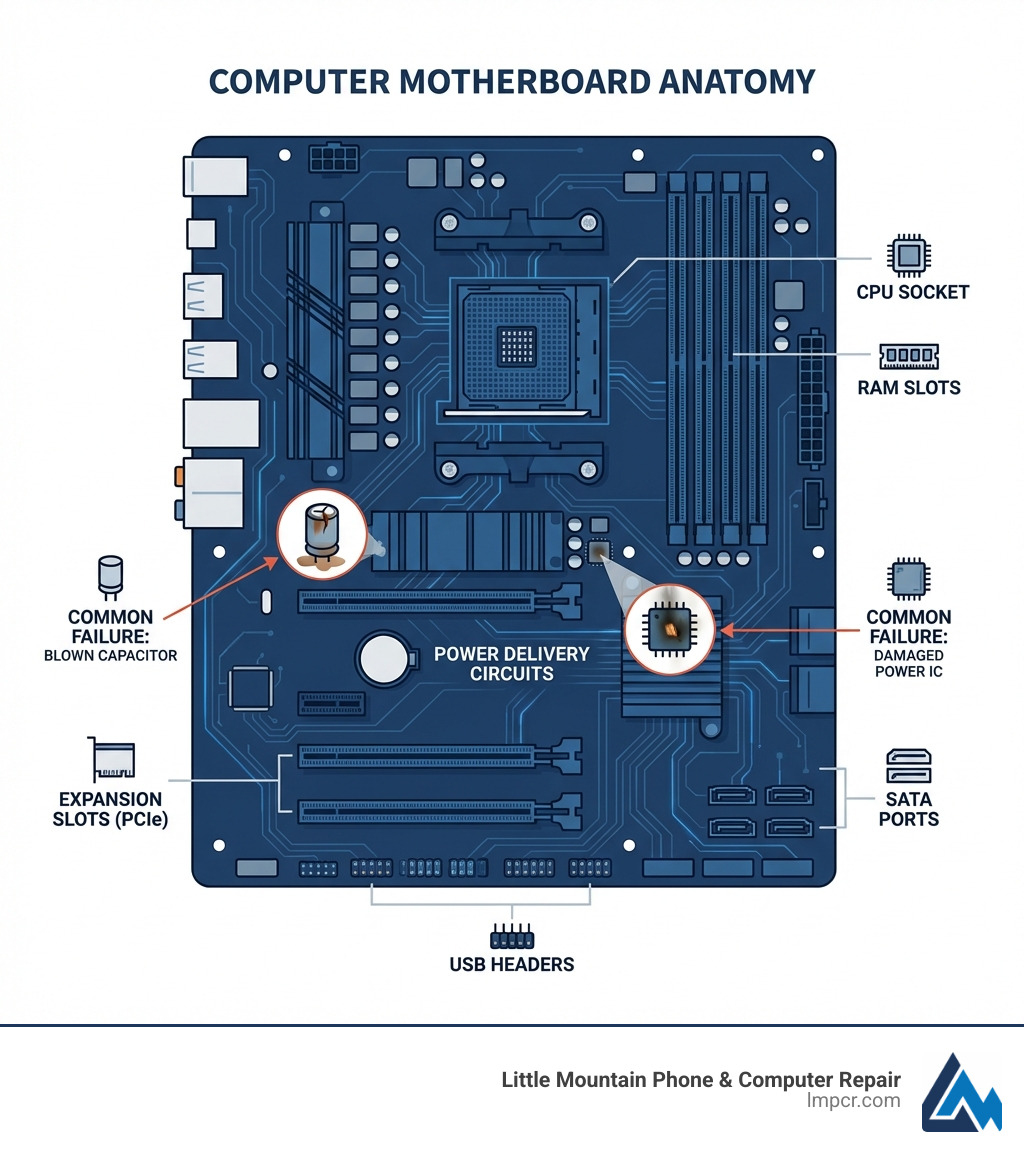
At the core of every electronic device is the Printed Circuit Board (PCB). It acts as the central nervous system, using conductive pathways to connect electronic components. Without a functioning PCB, your device cannot operate. It provides mechanical support and the electrical network required for the Von Neumann architecture, where the CPU processes data from memory and input sources.
Modern PCBs are dense with integrated circuits (ICs)—silicon chips containing millions of transistors that handle specific functions. For more on how these work, see Everything You Need To Know About Computer Hardware.
Motherboards come in various form factors like Standard-ATX, Micro-ATX, and Mini-ITX. These standards determine the board’s size, mounting, and expansion capabilities. As modern devices move toward integrated designs where components are soldered directly to the board, professional computer board repair has become more essential than simple part swapping.
At Little Mountain Phone & Computer Repair, we specialize in these complex ecosystems. Whether it is a desktop or a laptop, we are equipped for the challenge. Learn more about our PC Repair Services.
When a PCB fails, professional repair can save the device. Here is how the process works:
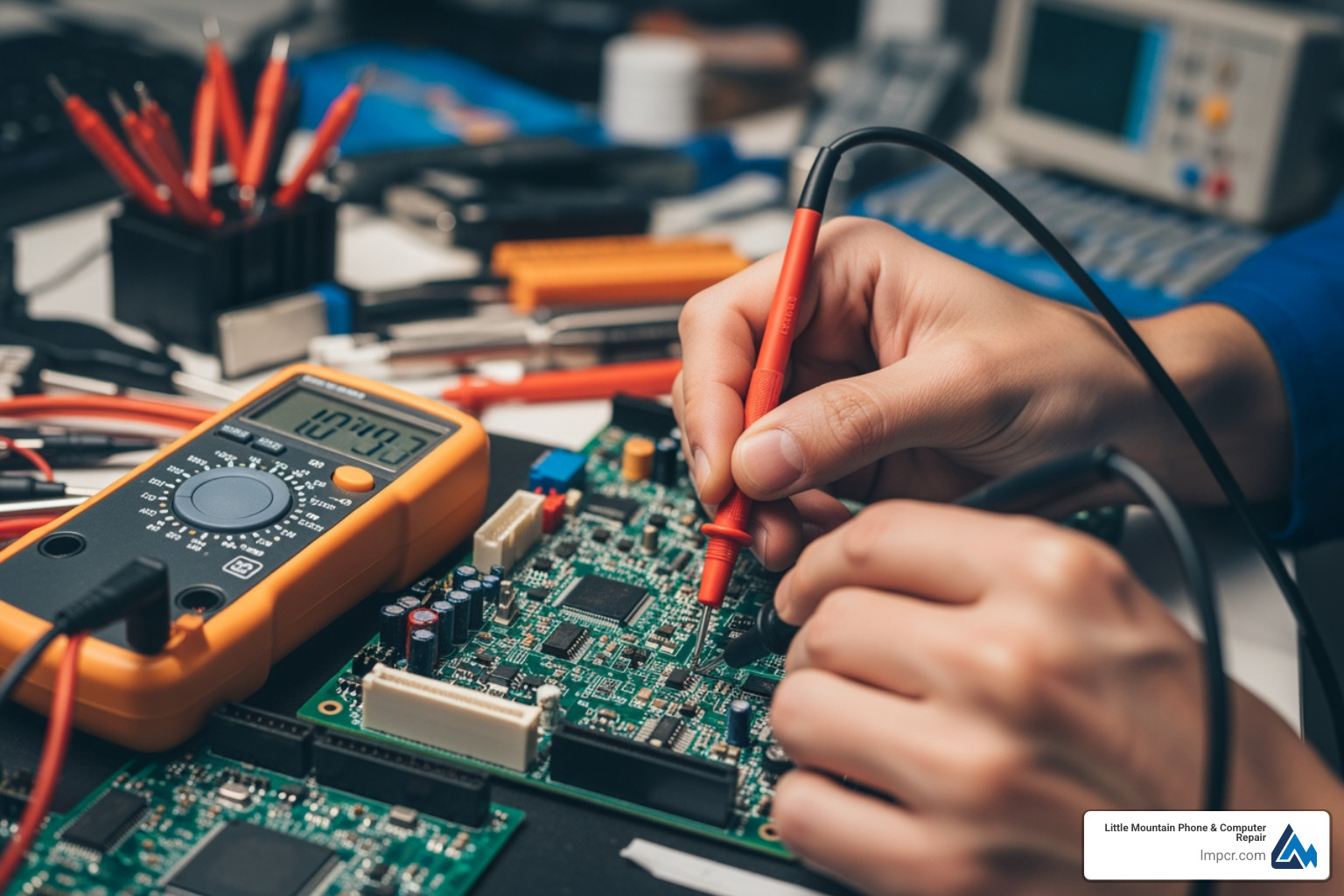
Advanced computer board repair goes beyond swapping parts. Component-level repair identifies the specific faulty resistor or IC, which is more economical and sustainable. Microsoldering uses high-power microscopes to work on components smaller than a grain of sand.
Common advanced repairs include:
While ifixit.com provides great resources, advanced board work is best left to professionals. See our full range of services for more details.
Choosing computer board repair over replacement supports sustainability by reducing e-waste. Extending a device’s life conserves raw materials and energy. It is also highly cost-efficient, as repairing a specific board component is much cheaper than buying a new appliance or computer.
Repair also minimizes downtime and ensures data preservation. Replacing a device often means losing data or dealing with complex migrations; repairing the board keeps your data where it belongs.
At Little Mountain Phone & Computer Repair, we bring 20+ years of experience to every job.
| Device Type (Board Repair) | Average Repair Cost | Estimated Replacement Cost |
|---|---|---|
| Small Appliance Board | $114 | $100 – $500 |
| Washer/Dryer Board | $144 – $164 | $400 – $1,500 |
| Fridge/Dishwasher Board | $164 | $500 – $2,000+ |
| Automotive Board | $149 | $300 – $1,000+ |
| Industrial Board | $599 | $1,000 – $10,000+ |
| Desktop/Laptop Motherboard | $200 – $500 | $500 – $2,000+ |
We offer expert Computer Repair Services in Lake County with free quotes.
A useful rule of thumb is this: if a device consistently fails across different chargers, outlets, cables, or peripherals, the problem is more likely on the board. Likewise, if the issue started after a power surge, liquid exposure, or physical impact (drop, bent charger tip, yanked cable), board-level damage becomes a top suspect.
Repair is usually better if the damage is localized (like a blown capacitor, port damage, or a failed power IC) and the cost is under 50-70% of a replacement. It also preserves your data and reduces environmental waste. Replacement is often the right call when there is widespread corrosion, severe multilayer trace damage, or when the board is unavailable or not economically repairable.
If you are unsure, a professional diagnosis is the best first step. Board symptoms can sometimes be caused by the power supply, battery, RAM, or storage, and a proper evaluation prevents paying for the wrong fix.
Professional computer board repair typically takes 5-10 business days. This allows for deep diagnosis, sourcing specific components, precision microsoldering, and rigorous stability testing. While we offer 30-minute repairs for many common issues (like certain screen or battery services), board-level work requires more time to ensure quality.
Often, yes. When the underlying problem is power delivery, charging, or a short circuit, repairing the board can allow the original storage to function normally again, which keeps your files in place. In other cases, a board may be too damaged to repair, but a technician can still advise on the safest path to data recovery and whether the storage itself is healthy.
Yes. Board-level diagnostics can apply to other electronics that use PCBs, including certain appliance control boards and other specialty electronics. If you are in Lake County, Ohio and have a device that seems unrepairable, it is worth asking before replacing it.
Computer board repair is a sustainable, cost-effective alternative to replacing your electronics. From fixing simple capacitors to complex microsoldering, expert repair can revive devices that seem dead, saving your data and your budget.
With over 20 years of experience, Little Mountain Phone & Computer Repair in Lake County, Ohio, has the tools and expertise to handle the toughest board repairs. We pride ourselves on comprehensive solutions and quick service.
Don’t let a faulty board lead to unnecessary waste. Contact Us today or start your computer board repair today with our expert team.

Need Help?
© Big Hill Technologies, LLC. All Rights Reserved

