-

-
Location:
1922 Mentor Ave, Painesville Twp.
Location:
1922 Mentor Ave, Painesville Twp.
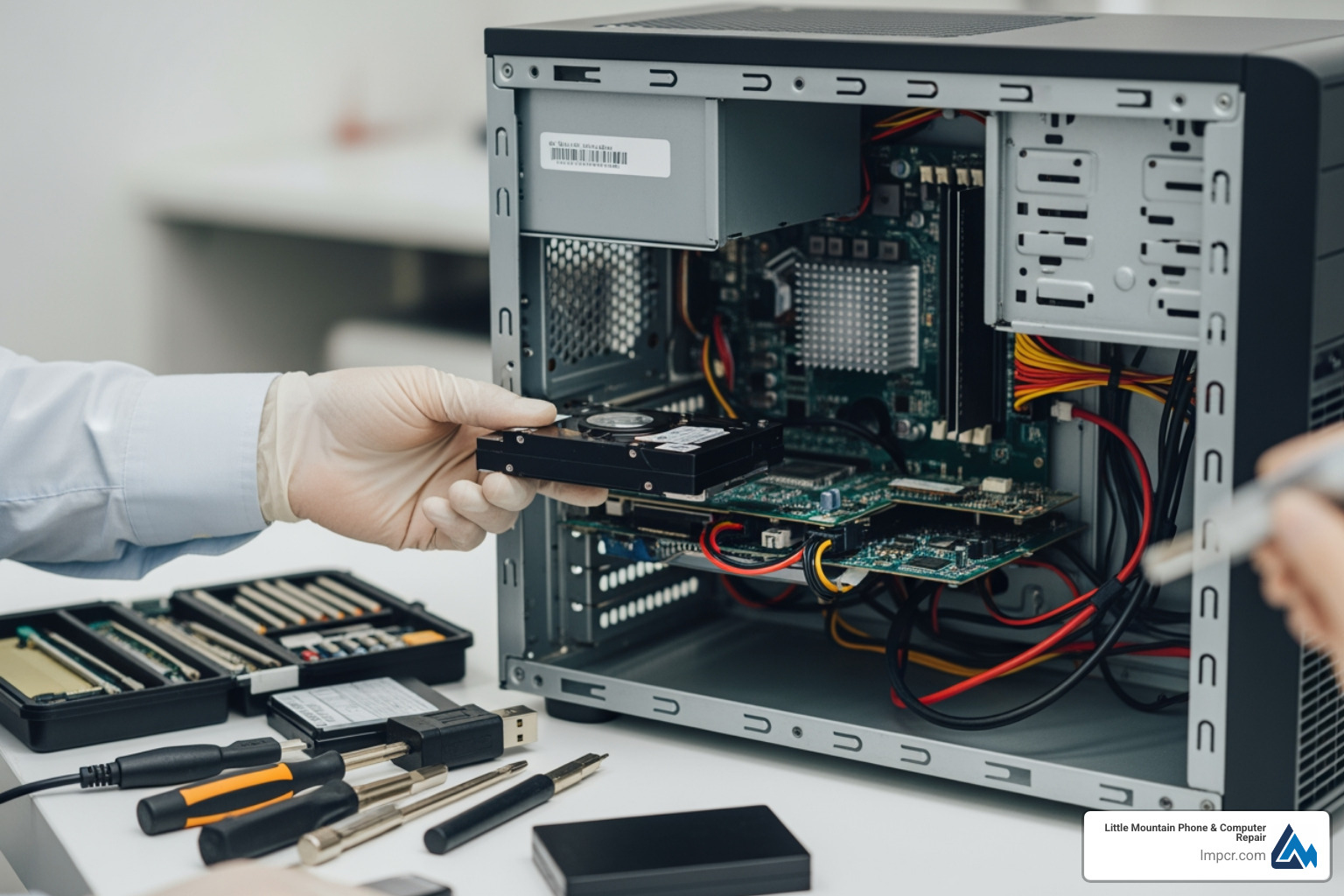
Desktop data recovery is the process of retrieving lost, deleted, or inaccessible files from your computer’s hard drive or SSD. Whether you’ve accidentally deleted important documents, experienced a system crash, or your drive won’t boot, here’s what you need to know:
Quick Answer: Your Desktop Data Recovery Options
| Situation | Recovery Method | Success Rate |
|---|---|---|
| Accidentally deleted files (healthy drive) | DIY software (Disk Drill, Recuva) | 70-96% |
| Formatted drive (quick format) | DIY software with signature scanning | 60-90% |
| Drive makes clicking/beeping sounds | Professional service only | 50-96% |
| Drive not detected by computer | Professional firmware/hardware repair | 40-90% |
| Physical damage (dropped, water) | Professional cleanroom recovery | 30-85% |
Data loss happens more often than you think. 74% of computer users have accidentally deleted important data, and only 12% back up their files weekly. The top causes? Accidental deletion and lack of backups account for 34% of data loss, while hardware failure causes another 30%.
The good news: you can often recover your files if you act quickly and choose the right approach. Stop using your computer immediately after data loss—every new file you save reduces your recovery chances.
This matters because your desktop holds years of irreplaceable photos, critical work documents, financial records, and memories. Whether you need a simple file recovery or complex hard drive repair, understanding your options helps you make the right choice.
As Jay Baruffa, President of Tech Dynamix and owner of Little Mountain Phone & Computer Repair in Painesville, Ohio, I’ve helped hundreds of local families and businesses recover critical files through professional desktop data recovery services. Our team handles everything from simple accidental deletions to complex hardware failures with the same customer-first approach.
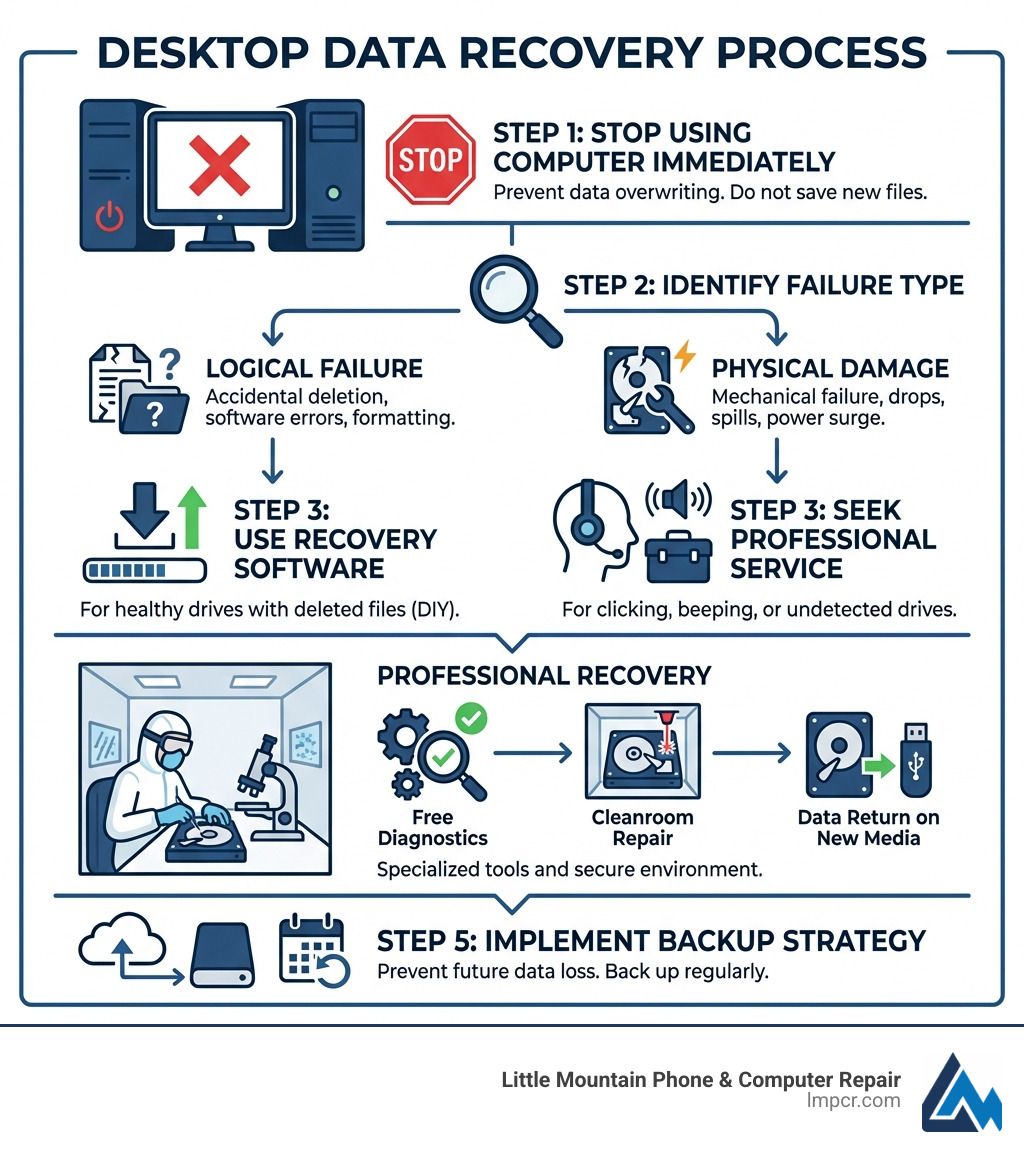
When we talk about desktop data recovery, the first step is always identifying why the data went missing. In our 20+ years of experience serving Lake County, we’ve seen everything from spilled coffee in Mentor to power surge damage in Chardon. Generally, data loss falls into three buckets:
This is the most common scenario. The hardware is physically healthy, but the data is “lost.”
This is where things get serious. If the internal components of your hard drive or SSD are failing, software won’t help.
Beyond just hitting delete, this includes dropping the computer tower or attempting a DIY repair that goes south. We always tell our neighbors in Painesville and Willoughby: if you aren’t sure, don’t open the drive! To learn more about identifying these risks, check out our guide on Data Recovery: How to Protect Your Valuable Files.
It feels like magic when a “permanently deleted” photo reappears, but it’s actually just clever math. When you delete a file on a Windows or Mac desktop, the computer doesn’t actually erase the data. Instead, it deletes the “logical link” (the entry in the file’s index) and marks that space as “available.”
Recovery software uses sophisticated algorithms to scan your drive page by page. It looks for file signatures—unique patterns of data that identify a file type. For example, every JPEG image starts with a specific hex code. Even if the file system is completely destroyed, a deep scan can often reconstruct the file based on these signatures.
At Little Mountain Phone & Computer Repair, we use professional-grade tools that go far beyond what you can download for free. These tools allow us to:
The success of your desktop data recovery depends on a few things:
Sometimes, DIY isn’t just difficult—it’s dangerous for your data. If your drive is making noise or isn’t detected by the BIOS, you need a Computer Repair Service with professional equipment.
For mechanical failures (like a failed motor or damaged heads), the drive must be opened. This cannot be done on a kitchen table in Mentor-on-the-Lake. Even a single speck of dust can destroy the data platters. Professional labs use Class 10 ISO 4 cleanrooms, which filter out almost all airborne particles.
We love seeing our customers, but we’d rather you never lose your data in the first place! Prevention is much cheaper than recovery.
This is the gold standard for data safety:
In Lake County, we see many desktops damaged by unstable power. Always use a high-quality surge protector or, better yet, an Uninterruptible Power Supply (UPS). This prevents your drive from crashing during a sudden brownout.
Most modern drives have a built-in health reporting system called S.M.A.R.T. We recommend using free tools to check these attributes periodically. If you see “Reallocated Sector Count” increasing, your drive is dying. Bring it in for our Data Backup and Recovery Service before it stops spinning entirely.
Yes, usually! If you performed a Quick Format, the data is still there; only the “table of contents” was erased. Signature-based scanning can find your files. However, if you performed a Full Format (which overwrites every sector with zeros), recovery is unfortunately impossible. If you’ve accidentally formatted a drive, stop using it immediately to avoid overwriting the “invisible” data.
You should stop immediately and seek professional help if:
Losing your files is stressful, but it doesn’t have to be permanent. Whether you’re a student in Madison needing a lost term paper or a business in Eastlake with a failed server, desktop data recovery is often successful when handled by experts.
At Little Mountain Phone & Computer Repair, we bring over 20 years of experience to every job. We understand that your data isn’t just 1s and 0s—it’s your hard work and your memories. From our shop in Painesville, we proudly serve the entire Lake County area with quick, transparent, and professional service.
Don’t leave your data to chance. If you’re experiencing data loss, turn off your device and visit us today. More info about repair services is just a click away!

Need Help?
© Big Hill Technologies, LLC. All Rights Reserved
