-

-
Location:
1922 Mentor Ave, Painesville Twp.
Location:
1922 Mentor Ave, Painesville Twp.
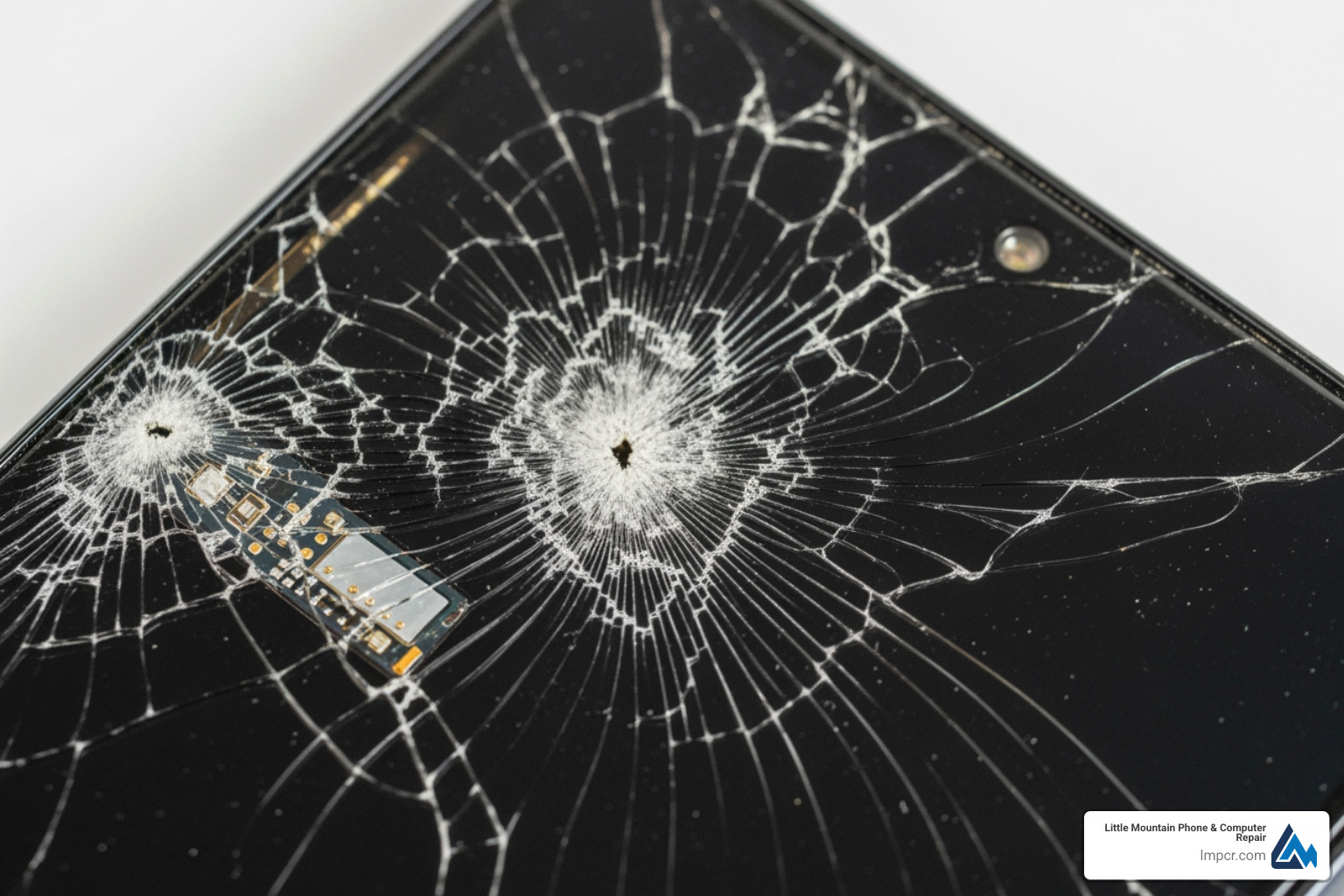
A32 screen replacement is a common repair for both the 4G (A325) and 5G (A326) models. Before starting, here is a quick overview:
The Samsung Galaxy A32 has two non-interchangeable versions: the 4G model (6.4-inch display) and the 5G version (6.5-inch screen). Using the wrong part is a frequent DIY mistake.
Symptoms requiring a replacement include cracked glass, dead pixels, discoloration, or an unresponsive touch layer. Some screens come pre-installed in a frame, which simplifies installation for a small extra cost.
A quick note on why careful handling matters: modern Samsung phones use thin glass, tight tolerances, and adhesive seals for stability and dust resistance. When the screen breaks, it is not just cosmetic. Cracks can spread with normal pocket pressure, and shards can compromise the touch layer. Even if the phone still turns on, a damaged display assembly may cause phantom touches, missed taps, or intermittent blackouts that make the device unreliable.
If you are deciding between DIY and professional service, the biggest factor is usually risk management. The A32 opens from the back and requires heat to soften adhesive. Too much heat can warp plastics, weaken internal adhesives, or damage components, while too little heat often leads to prying force that cracks the back cover or deforms the frame. Once a frame is bent, the new screen may not sit flush and can lift later, creating gaps that collect dust and eventually stress the panel.
I’m Jay Baruffa, President of Tech Dynamix and owner of Little Mountain Phone & Computer Repair in Painesville, Ohio. We’ve handled hundreds of a32 screen replacement jobs. Whether you DIY or go professional, understanding the process is key to a successful repair.
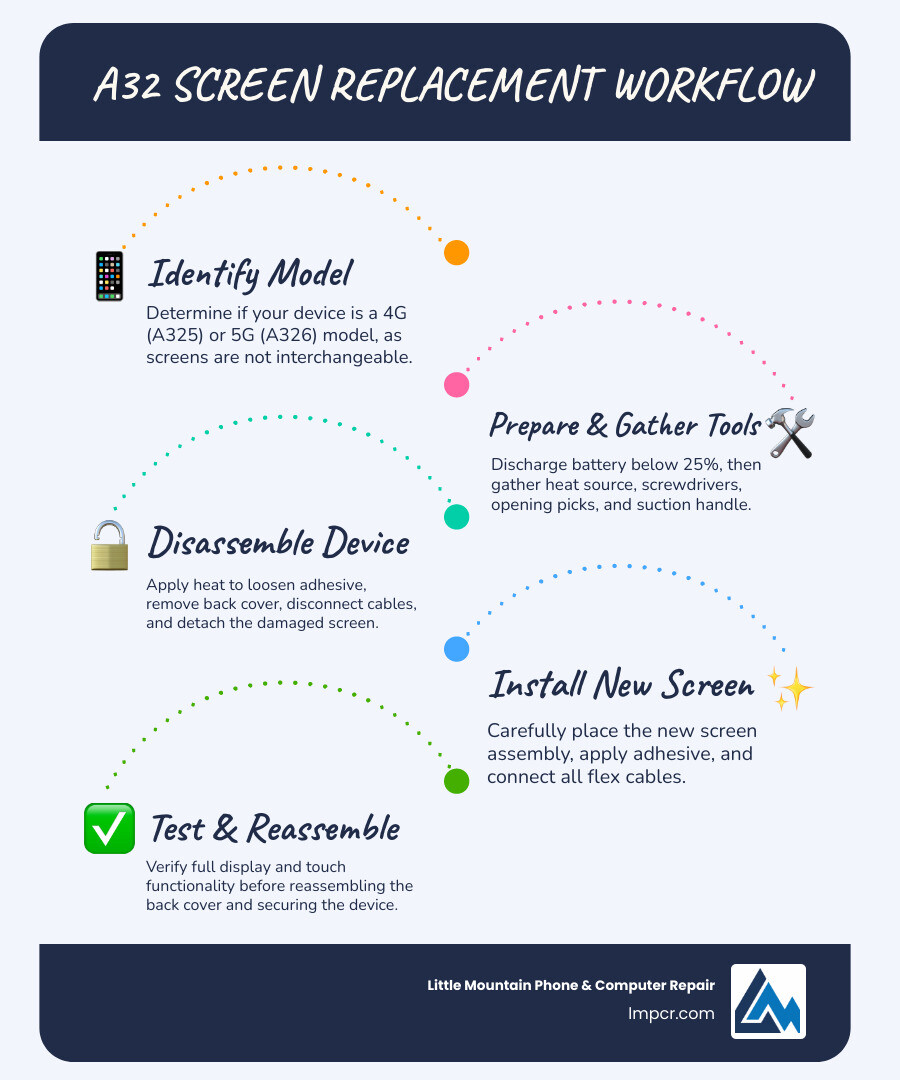
Before ordering parts, take a moment to confirm what actually failed. A phone that is “black” could have a damaged screen, but it could also be a loose connector from a drop, a drained battery, or (less commonly) a board-level issue. The steps in this guide focus on screen assembly replacement because it is the most common fix after impact damage on the A32, but testing and careful reassembly are what separate a successful repair from a second teardown.
Correctly identifying your Samsung Galaxy A32 model is the first step. The 4G and 5G versions use different screens. The 5G models (SM-A326W/U/DS/B) have a 6.5-inch display, while 4G models (SM-A325F/U/M/N) use a 6.4-inch screen.
| Feature | Samsung Galaxy A32 4G (SM-A325) | Samsung Galaxy A32 5G (SM-A326) |
|---|---|---|
| Display Size | 6.4 inches | 6.5 inches |
| Display Type | Super AMOLED | TFT LCD |
| Resolution | 1080 x 2400 pixels | 720 x 1600 pixels |
| Model Numbers | SM-A325F, SM-A325U, SM-A325M, SM-A325N | SM-A326W, SM-A326U, SM-A326DS, SM-A326B |
| Compatibility | Not compatible with 5G screens | Not compatible with 4G screens |
To find your model number, go to Settings > About Phone. Ensure you match this number exactly when ordering parts. For more help, see this guide on Finding your phone model number.
Common symptoms indicating you need an a32 screen replacement include:
Preparation is vital for a safe DIY a32 screen replacement. At our Painesville shop, we often see devices damaged further by rushed repairs.
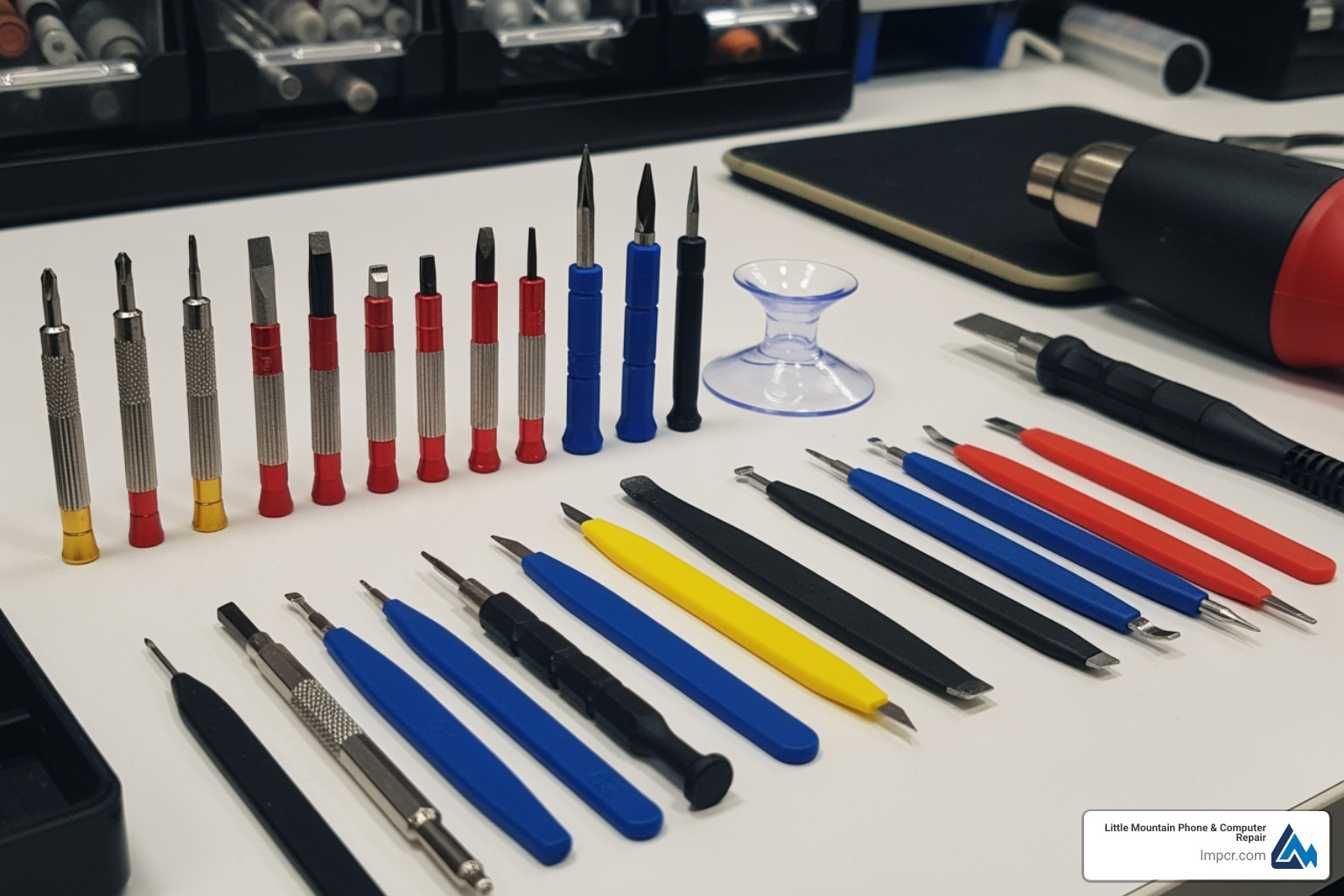
You will need a heat source (iOpener or hair dryer), suction handle, opening picks, a PH000 Phillips screwdriver, a plastic spudger, and isopropyl alcohol.
Safety First: Discharge your battery below 25% before starting. This reduces the risk of a thermal event if the battery is punctured. Always work in a clean area and use plastic tools near internal electronics to avoid shorts. For more maintenance tips, visit our More info about Smartphone Repair page.
Before you begin, do a quick “hardware triage” so you do not install a new display into a phone that has other hidden damage:
Also plan your workspace:
After the repair, protect your investment with an IBYWIND Screen Protector.
For detailed visuals, consult the Detailed iFixit Guide.
Practical tips that reduce mistakes on an a32 screen replacement:
A DIY a32 screen replacement part costs between $26 and $35. Professional service costs more but includes labor and a guarantee. At Little Mountain Phone & Computer Repair, we provide transparent pricing for Lake County residents.
Warranty Considerations: Samsung’s warranty typically only covers manufacturing defects. Physical damage, a deformed frame, or a swollen battery will void your warranty. If you open the device yourself, you also likely void any remaining manufacturer coverage. Authorized centers use a Service Locator to find official parts, but local experts often provide faster turnarounds.
Risks of DIY:
Professional repairs at our shop take about 30 minutes, whereas DIY attempts often take 2 hours. We stay current on the Latest trends in cellphone repairs to ensure your device is handled with the latest techniques.
If your DIY repair results in a black screen, first check that all flex cables are seated correctly. For more help, see our More info about Samsung Galaxy services.
Warranty covers manufacturing defects like spontaneous pixel failure. It does not cover cracks, liquid damage, or issues caused by a bent frame. If an authorized technician finds evidence of impact or unauthorized opening, the claim will be denied.
Do not attempt a DIY repair. A swollen battery is a fire hazard. Power off the device, place it on a non-flammable surface, and bring it to a professional immediately. We have the safety equipment to handle and recycle volatile batteries.
Professional service at Little Mountain Phone & Computer Repair averages 30 minutes. A DIY repair usually takes 1 to 2 hours for a first-timer, as you must carefully steer adhesive removal and cable management without specialized tools.
Always remember to recycle your old screens at a certified e-waste facility in Lake County to protect the environment.
Navigating A32 screen replacement can seem daunting, but with the right information, tools, and a clear understanding of the process, you can make an informed decision for your Samsung Galaxy A32. Whether your screen is cracked, suffering from dead pixels, or unresponsive to touch, identifying your exact model (4G vs. 5G) and understanding the types of replacement parts available are your critical first steps. Remember the importance of proper preparation, especially discharging the battery, and being aware of potential complications like a deformed frame or a swollen battery.
If you are comfortable with delicate electronics, DIY can be a cost-effective option. Just be realistic about the learning curve: most setbacks come from adhesive removal, cable seating, or installing a new screen onto a frame that is slightly bent from the original drop. If you want the most reliable outcome (and prefer not to risk re-opening the phone), professional installation can save time and prevent follow-up issues like lifting edges, dust intrusion, or intermittent touch problems.
For those who prefer a reliable, hassle-free solution, our team at Little Mountain Phone & Computer Repair is here to help. With over 20 years of experience in the device repair industry, we offer expert services for Professional Cellphone Repair Services right here in Painesville, Ohio, and throughout Lake County, including Concord Township, Perry, Madison, Leroy Township, Fairport Harbor, Grand River, Mentor, Mentor-on-the-Lake, Kirtland, Kirtland Hills, Chardon, Aquilla, Eastlake, Willowick, Wickliffe, Willoughby, Willoughby Hills, and Geneva. We pride ourselves on our quick 30-minute average repair times and comprehensive solutions, ensuring your device is back in your hands and working perfectly.
If your A32 screen is cracked or not responding, bring it in for an evaluation so you can confirm the model (A325 vs. A326), verify there is no frame damage, and get the right part installed the first time. Don’t let a broken screen slow you down; we’re ready to bring your device back to life!

Need Help?
© Big Hill Technologies, LLC. All Rights Reserved

